Animal Shelter Website Design Built for Your Mission
Build a custom shelter website that guides adopters, supports your team, and stays manageable through a flexible WordPress content system.
Trusted by large companies worldwide















Introduction
A Website Built Around Your Shelter
Your shelter website should help visitors find the right next step while giving your team a practical way to manage content, pages, and updates.
Clarity
Control
Ownership
Our Capabilities
- Custom UI/UX Design
- WordPress Block Theme
- Full CMS Management
- Lean Plugin Stack
- Tool Integrations
- Custom Functionality
- Automation Support

Built for Shelters
From Visitor Journeys to Website Management
A shelter website needs more than a visual redesign. It needs clear journeys, manageable content, connected tools, and a build your team can own.
01
What Does the Service Include?
Animal shelter website design covers discovery, audience and goal planning, user journeys, page structure, content hierarchy, navigation, CTAs, custom UI/UX, and a custom WordPress block theme. The build also includes dynamic elements, CMS-managed pages, integrations, custom functionality, and automation opportunities.
02
Why Does It Matter?
Shelters rely on their websites to guide people toward actions such as adoption, fostering, volunteering, donations, and other important information. A clear structure helps visitors understand where to go, while manageable content helps small teams keep the website current.
03
How Does It Solve the Problem?
The process connects UI/UX planning with custom design and development. User journeys establish how visitors move through the site, design gives that structure a distinctive visual experience, and development makes the website editable, connected, and built around the shelter’s requirements.
04
Who Is the Service For?
This animal rescue website design service is intended for nonprofit shelters, humane societies, and foster-based rescues. It is suited to teams that need a custom website without depending on a generic template or a single person to manage routine website updates.
Our Approach
Qrolic follows a 15-point process covering discovery, user experience, custom design, WordPress development, content management, integrations, custom functionality, staging, transparency, training, ownership, and straightforward pricing. Each stage keeps the shelter involved where input or decisions are needed.
Benefits
Built Around How Shelters Work
Your website should support both the people visiting it and the people managing it. The process focuses on clarity, control, and transparency.

Clearer Journeys
Planned user journeys help visitors move toward important actions. Navigation and CTAs support clearer next steps.

Custom Experience
Custom UI/UX avoids a generic template approach. Your website can reflect your industry and brand.

Easier Updates
Dynamic elements and a full CMS give your team practical control over routine website content.

Lean Development
A custom WordPress block theme and focused plugin stack support a leaner website build.

Connected Tools
Integrations can connect CRM, newsletter, forms, email, analytics, and other third-party services you already use.

Greater Control
Your website, domain, hosting, and accounts remain client-owned, supporting long-term control as teams change.
Build a Website Your Shelter Can Manage
Free UX Audit
Bring your goals, priorities, and existing tools into a structured website process built around your organization.

Our Process
How We Build Your Site
The 15-point Qrolic workflow connects strategy, design, development, management, transparency, and ownership from start to finish.
01
Design Around Your Organization
02
Create Guided Visitor Experiences
03
Build Lightweight WordPress Websites
04
Simplify Website Content Management
05
Connect Your Existing Tools
06
Add Custom Functionality
07
Keep Development Transparent
08
Support Management and Ownership
09
Keep Pricing Straightforward
Step 01
Design Around Your Organization
Qrolic starts with your industry, audience, services, positioning, and goals. Your input helps establish a clear foundation for the website and its direction.
Step 02
Create Guided Visitor Experiences
User journeys, structure, hierarchy, navigation, CTAs, and custom UI/UX shape how visitors experience your site and move through important actions clearly.
Step 03
Build Lightweight WordPress Websites
A custom WordPress block theme provides the development foundation, with attention to clean code, performance, security, and scalability for your website.
Step 04
Simplify Website Content Management
Dynamic elements and a full CMS help your team manage different page types, update routine content, and maintain the website with greater control.
Step 05
Connect Your Existing Tools
A focused plugin approach keeps the build lean, while integrations connect CRM, newsletter, forms, email, analytics, and other services your team already uses.
Step 06
Add Custom Functionality
Custom functionality can address needs beyond standard WordPress, while automation opportunities can support more efficient workflows and reduce repetitive tasks.
Step 07
Keep Development Transparent
An early staging site provides visibility during development, supported by progress updates and calls that help your team follow changes throughout the process.
Step 08
Support Management and Ownership
A management guide and live training call prepare your team to manage the site, while your website, domain, hosting, and accounts remain client-owned.
Step 09
Keep Pricing Straightforward
The process includes straightforward pricing with no unexpected or hidden fees, helping your team understand project costs and make informed budget decisions.
Comparison
Why Custom Shelter Website Design Matters
A generic website approach can overlook shelter-specific visitor journeys and team needs. A custom process connects structure, design, development, and management.
Without Qrolic:
Without Qrolic :
- Generic template structure
- Unplanned visitor journeys
- Standard visual approach
- Limited content control
- Heavy plugin dependence
- Disconnected existing tools
- Unclear ownership or pricing
With Qrolic:
With Qrolic :
- Design around your organization
- Planned user experience
- Custom UI/UX experience
- Dynamic elements and CMS
- Lean plugin approach
- Relevant tool integrations
- Client ownership and straightforward pricing
Case Studies
Shelter Projects and Verified Results
No shelter-specific case studies, testimonials, project metrics, or performance results are verified in the supplied research brief, so this page does not present unverified project claims.
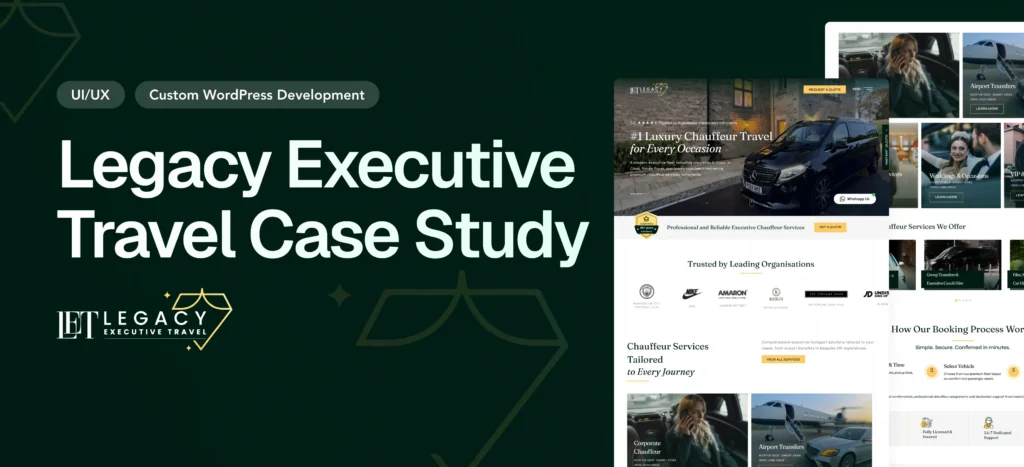
Legacy Executive Travel Website Redesign Case Study – Luxury Chauffeur Platform
Overview Legacy Executive Travel is a UK-based luxury chauffeur company…
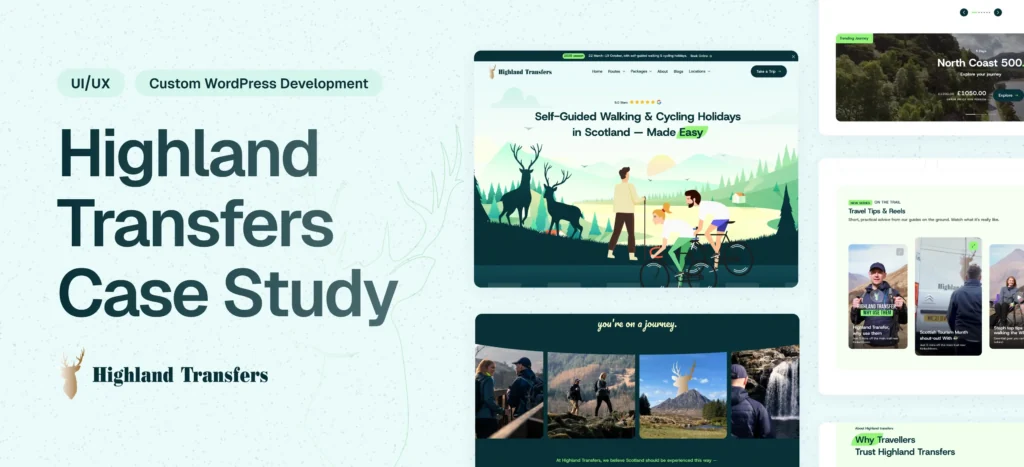
Highland Transfers Website Redesign & Development & SEO Optimization
Overview Highland Transfers is a professional transportation service offering reliable…
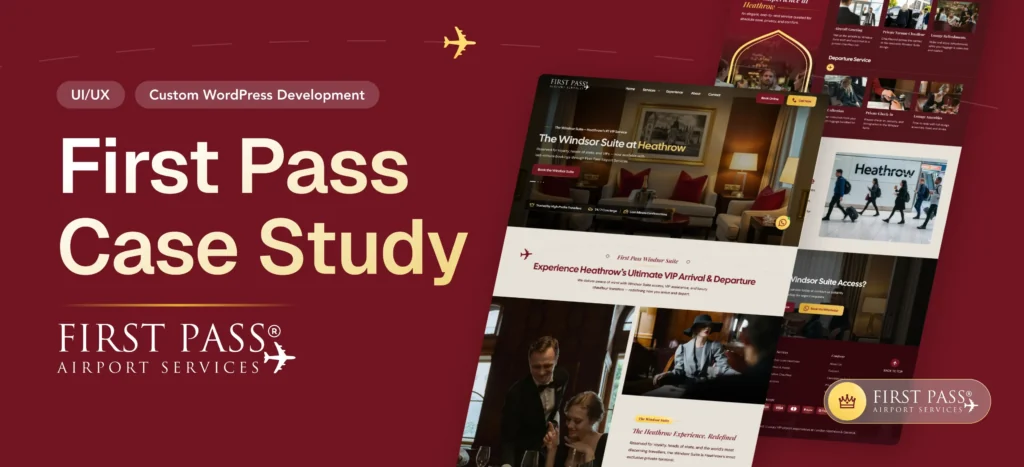
First Pass Airport Website Development & Smart Booking System
Overview First Pass Airport is a premium airport concierge service…
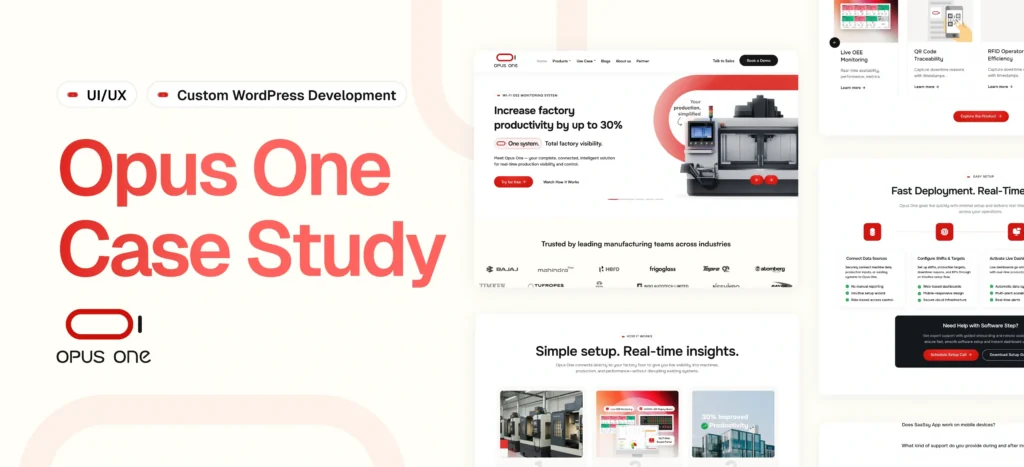
OpusOne – Scalable Product & Technology Platform
Delivered a flexible, scalable platform for managing products, sectors, and…
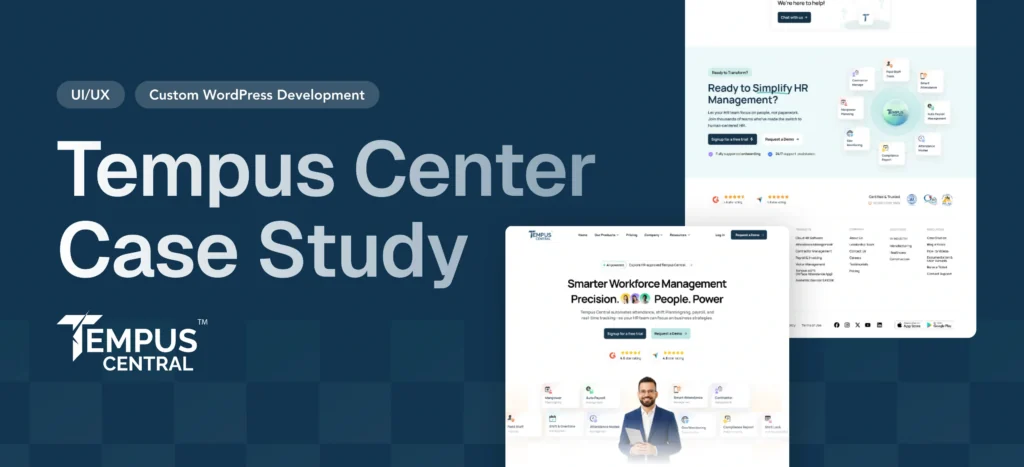
Tempus Central – HR & Workforce Management Website
Delivered a modular, scalable website with dynamic styling and seamless…
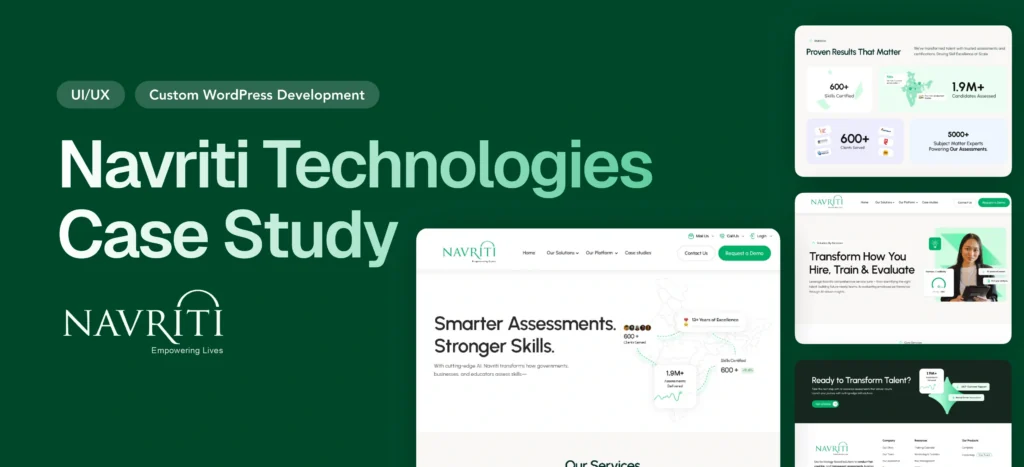
Empowering India’s Skilling Movement — Navriti Website Redesign
Navriti Technologies is leading India’s skilling and employability movement. But…
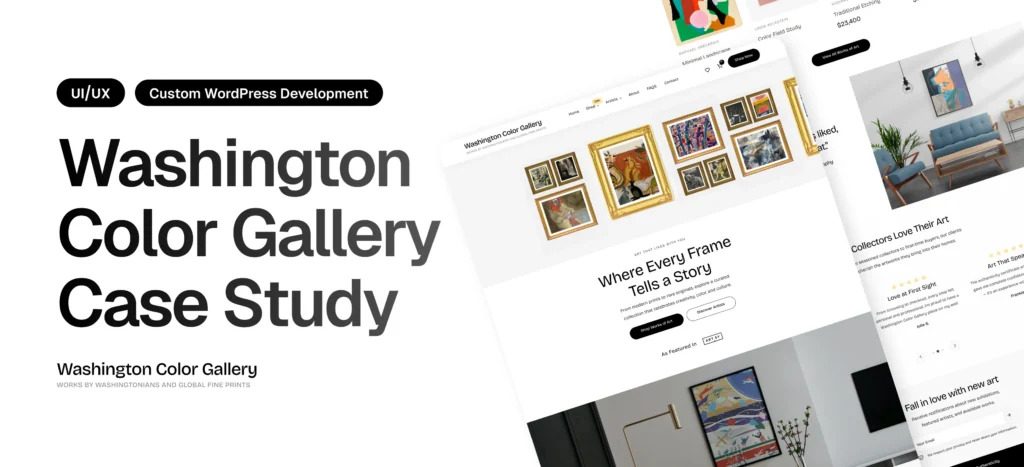
Washington Color Gallery Case Study – WordPress Redesign & Performance Optimization
Overview Washington Color Gallery is a contemporary art platform showcasing…
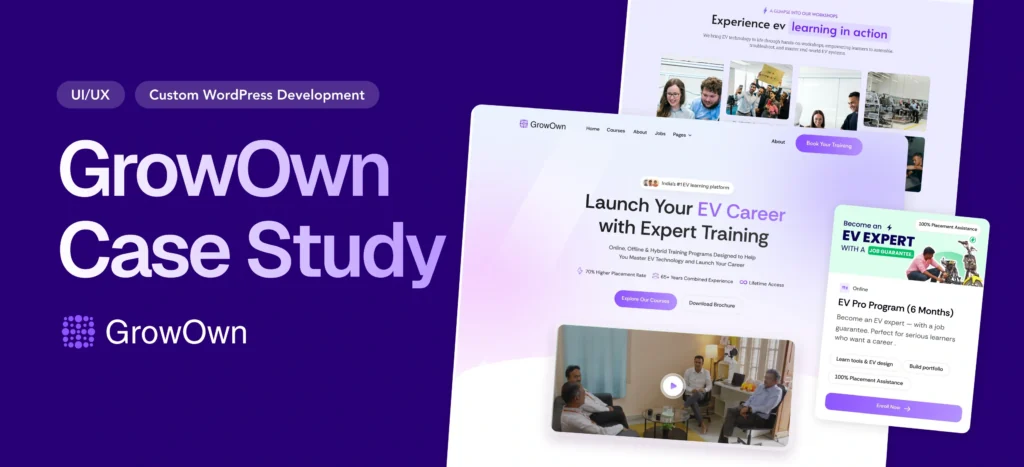
Building India’s Leading EV Learning Platform from Scratch: The Growown Success Story
Overview GrowOwn is an innovative EV (Electric Vehicle) learning platform…
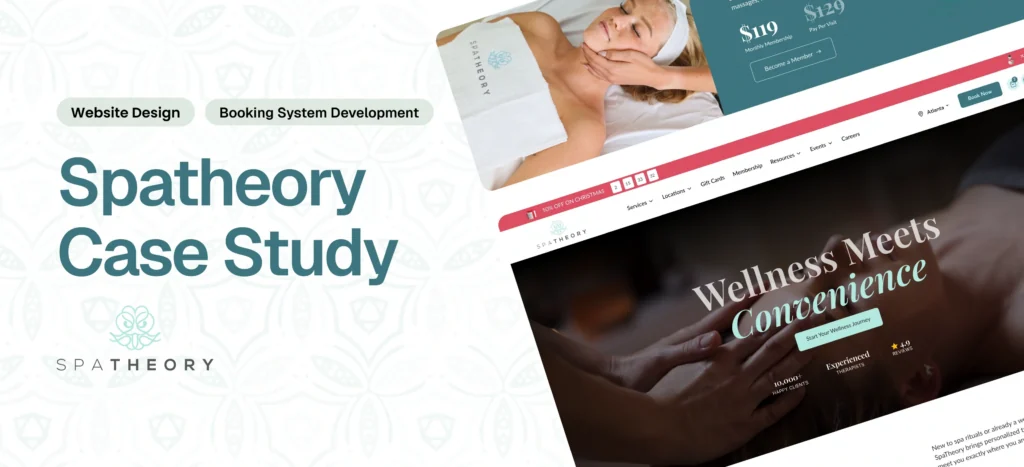
Spatheory – Luxury Spa Booking Platform Transformation
Delivered a fast, scalable platform with a seamless booking experience…
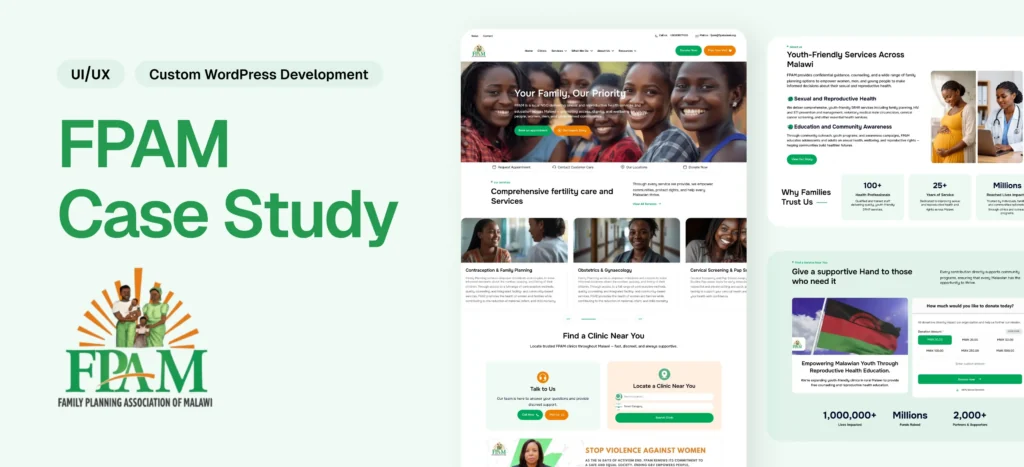
Family Planning Association of Malawi (FPAMalawi) Website Modernization
Delivered a modern healthcare platform with structured content, booking, donation,…
Why Choose Qrolic
A Shelter Website Built for Control
Qrolic delivers custom WordPress solutions with staging access, live training, full ownership, and clear pricing for teams needing practical website control.
0+
Years of WordPress
Delivering top-tier digital services across design, development, and performance.
0+
Happy Clients
Serving global brands with a 95%+ satisfaction rate across industries.
0%
Client satisfaction
We’re committed to delivering solutions that truly make an impact.
0+
Team members
A strong team of experts in WordPress, web technologies, and UI/UX.
Start Your Website
Plan Your Shelter Website With Qrolic
Discuss your shelter’s goals, audience, content needs, and existing tools to determine how the website process can support your team.
Curious About the Cost? Free
Our website cost calculator is built using real
project data – no guesswork, just honest pricing.

Curious About the Cost? Free
Just drop your requirements on WhatsApp, and we’ll send you an instant estimate—no forms, no waiting.
Frequently Asked Questions
Common Shelter Website Questions
Here are answers to common questions about scope, management, ownership, integrations, custom design, and the Qrolic process.
What should an animal shelter website include?
A shelter website should make important visitor paths clear, including adoption, fostering, volunteering, donations, and essential organization information. The supplied Qrolic process focuses on user journeys, page structure, navigation, content hierarchy, and CTAs to help organize those experiences.
Can shelter staff manage the website themselves?
Yes. The supplied process includes dynamic elements, a full CMS, a management guide, and a live training call. These components are intended to give the client practical control over routine website management without relying on the original developer for every content change.
Does the service include animal shelter software integrations?
The service includes integrations for CRM, newsletter, forms, email, analytics, and other third-party services. Specific shelter platforms or adoptable-pet systems are not verified in the supplied information, so those integrations should be evaluated based on the tools your organization already uses.
How is custom design different from a template?
Custom design starts with your organization, audience, goals, user journeys, and brand rather than adapting those needs to a prebuilt layout. When reviewing the best animal rescue website designs, the visual appearance is only one consideration. Structure and usability matter too.
Who owns the website after development?
The supplied process provides client ownership of the website, domain, hosting, and accounts. The stated workflow also uses the client’s hosting and has the domain purchased through the client’s account, giving the organization direct control of those assets.
What makes the best rescue website designs effective?
The best animal rescue website designs should make important visitor paths easy to understand while presenting information clearly and supporting the team’s ability to manage the website. Qrolic’s process addresses these areas through planned user experience, custom design, CMS management, integrations, training, and ownership.