Computer Training Website Design Built Around Your Institute
A generic website can make your institute harder to understand and manage. Get custom design and development shaped around your courses, audience, and business goals.
Trusted by leading public speakers to achieve top search rankings.















Introduction
A Website Designed for Computer Institutes
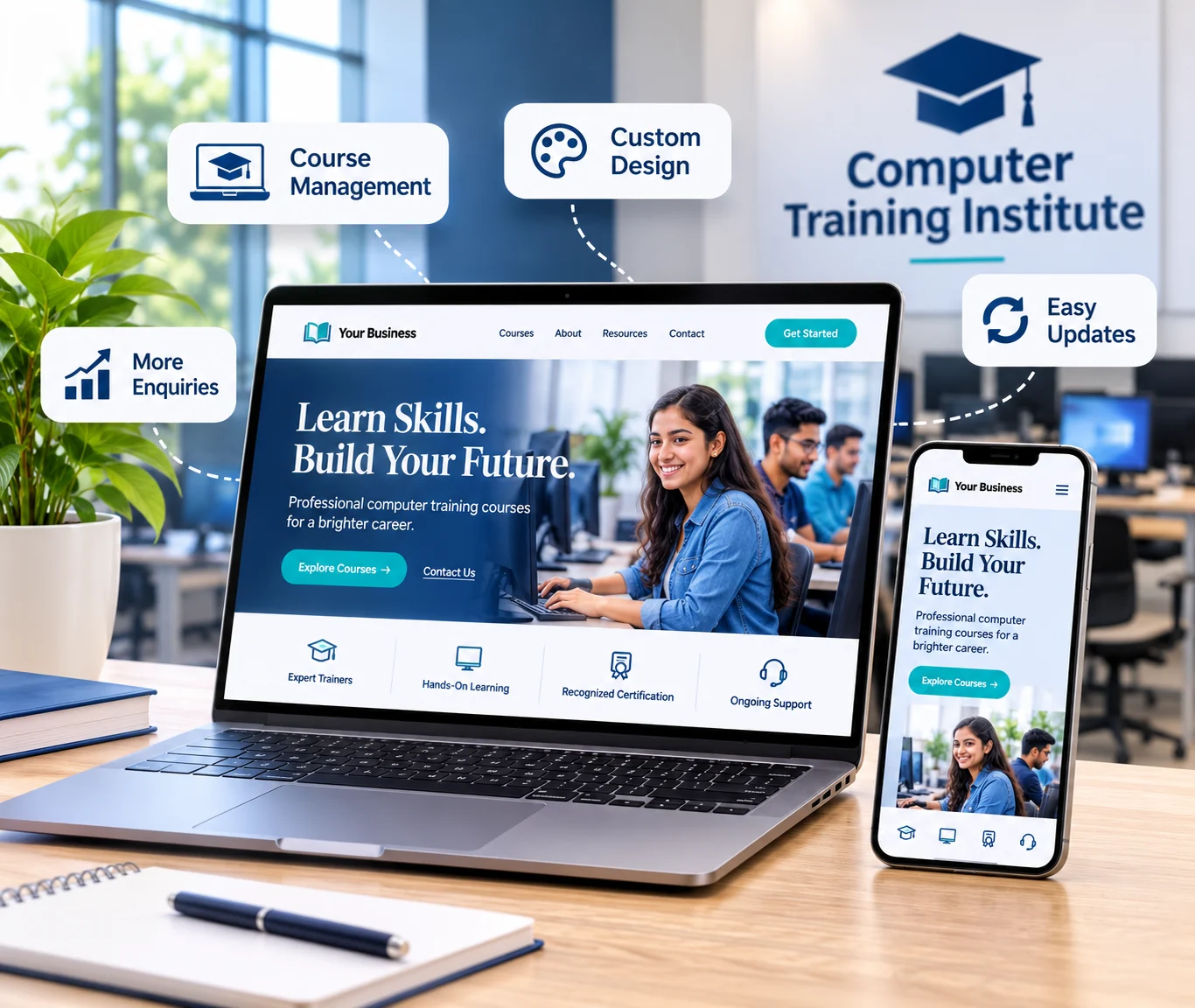
Your institute needs more than an online presence. Computer institute website design should help visitors understand your offerings while giving your team control over website content.
Clarity
Flexibility
Ownership
Our Capabilities
- Business-Focused UX Planning
- Custom UI/UX Design
- WordPress Website Development
- Flexible Content Management
- Third-Party Integrations
- Custom Website Functionality
- Workflow Automation

Website Design and Development
Build a Website Around Your Institute
Computer training website design and development should connect your institute’s goals with a clear visitor experience, distinctive design, and a website your team can manage.
01
What Does the Service Include?
Covers business discovery, UX planning, custom UI/UX design, WordPress development, dynamic content management, integrations, custom functionality, and a structured delivery process.
02
Why Does Your Institute Need It?
A generic or hard-to-update website can make course information harder to present. A considered design approach helps visitors understand your institute and find relevant information.
03
How Does the Service Solve These Problems?
It begins with your audience, offerings, and goals. Qrolic plans the visitor journey, creates a distinctive design, and builds a custom WordPress block theme with manageable content and integrations.
04
Who Is This Service For?
For computer training institute owners, directors, and managers needing a new website or a replacement for an outdated one. It also suits institutes that regularly update course information.
Our Approach
Qrolic follows a 15-stage process from discovery and UX planning to design, development, staging, and handover. You get
progress updates, a management guide, and a live training call before launch.
Benefits
Give Your Institute a Stronger Website
Your website should reflect your institute and support everyday work. A considered design and development process gives your team greater control.

A Distinctive Brand Experience
Custom UI/UX design reflects your institute’s identity. Your website does not have to rely on a generic template.

Clearer Visitor Journeys
Planned navigation and content hierarchy help visitors understand your offerings. Clear calls to action guide them toward the next step.

Easier Content Updates
Dynamic website elements help your team manage content and images. Routine updates do not need to depend on a developer.

Room to Grow
A full CMS supports different page types and future content needs. Your website can adapt as your institute develops.

Connected Business Tools
Integrations can connect your website with tools your business already uses. This helps bring website activity into your wider workflow.

Greater Ownership
Your website, domain, hosting, and essential accounts remain under your ownership. You receive a management guide and live training before launch.
Ready to Build a Better Institute Website?
Discuss your institute’s goals and website requirements with Qrolic. Start planning a custom website around your business.

Our SEO Process
A Clear Website Development Process
Our 15-stage workflow connects planning, design, development, delivery, and ownership. Related stages are grouped into nine steps and kept in sequence.
01
Understand Your Institute
02
Plan Visitor Experiences
03
Design Your Digital Identity
04
Develop the WordPress Website
05
Simplify Website Management
06
Support Content Growth
07
Keep the Build Efficient
08
Connect and Customize
09
Review, Handover, and Ownership
Step 01
Understand Your Institute
We learn about your audience, offerings, service areas, positioning, and goals. This gives the project a clear business direction rather than relying on a template.
Step 02
Plan Visitor Experiences
We plan the user journey, page structure, content hierarchy, navigation, and calls to action. Visitors get a clearer path through your website.
Step 03
Design Your Digital Identity
We create custom UI/UX design around your brand and industry. Your website gets an identity beyond generic layouts.
Step 04
Develop the WordPress Website
We build a custom WordPress block theme with clean code. The foundation focuses on performance, security, and scalability.
Step 05
Simplify Website Management
Dynamic elements make everyday content and image updates easier. Your team gets more control over routine website changes.
Step 06
Support Content Growth
The CMS supports different page types and content management. You can expand website information without depending on a developer for every page.
Step 07
Keep the Build Efficient
We use a focused plugin stack alongside clean custom development. This avoids unnecessary additions to the website.
Step 08
Connect and Customize
We consider relevant CRM, newsletter, forms, email, and analytics integrations. Custom functionality and automation opportunities can support your wider workflows.
Step 09
Review, Handover, and Ownership
You can review an early staging website and share feedback, with regular updates and calls keeping progress visible. Before launch, you receive a management guide and live training call. Your website, domain, hosting, and essential accounts remain yours, with transparent pricing and no hidden fees.
Comparison
Choose Custom Computer Training Website Design
A generic website approach may not reflect how your institute presents its offerings or manages content. Custom planning connects the visitor experience, design, and development.
Other Services
Without Qrolic :
- Generic website layouts
- Limited audience planning
- Unclear visitor journeys
- Developer-dependent content updates
- Unnecessary plugin additions
- Disconnected business tools
- Unclear project ownership
Qrolic Technologies
With Qrolic :
- Design around your institute
- Audience-focused UX planning
- Planned navigation and CTAs
- Manageable website content
- Focused plugin approach
- Relevant tool integrations
- Client-owned website assets
Case Studies
Explore Our Website Development Approach
Qrolic’s 15-stage workflow covers planning, custom design, development, and handover. This page does not present unverified computer training institute projects or results.
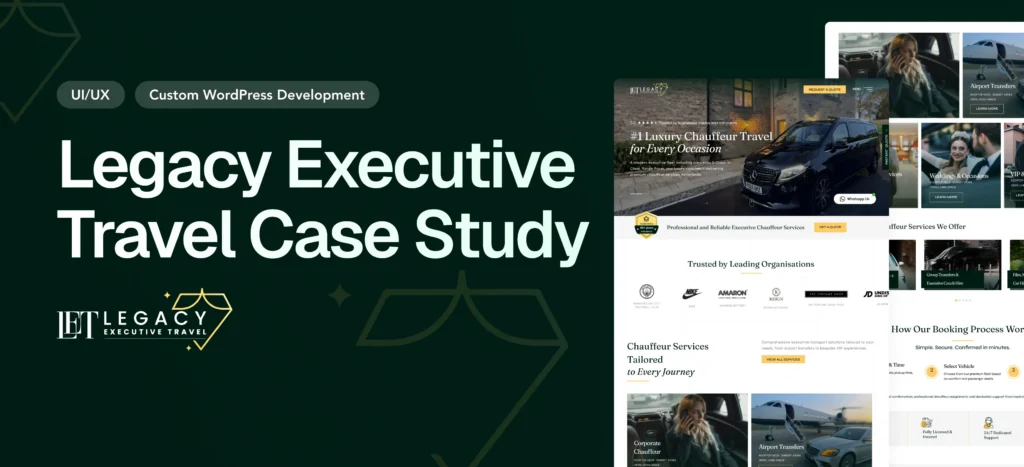
Legacy Executive Travel Website Redesign Case Study – Luxury Chauffeur Platform
Overview Legacy Executive Travel is a UK-based luxury chauffeur company…
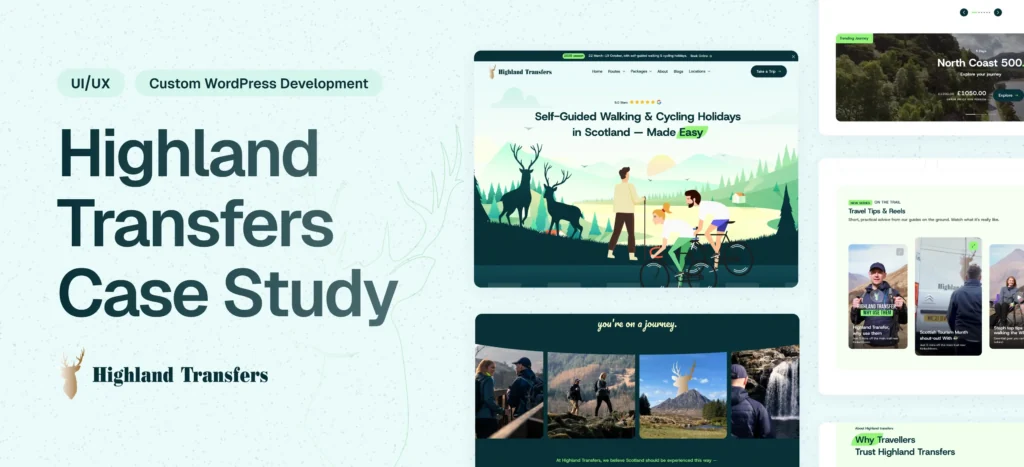
Highland Transfers Website Redesign & Development & SEO Optimization
Overview Highland Transfers is a professional transportation service offering reliable…
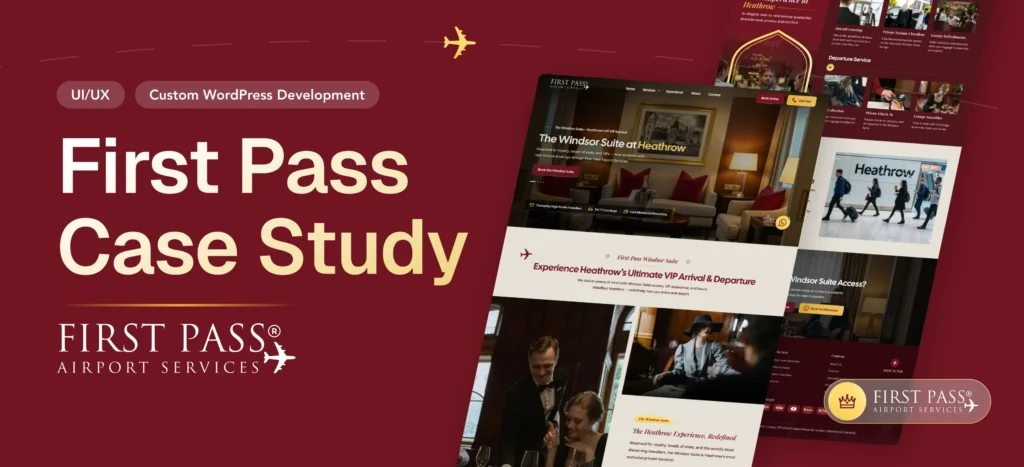
First Pass Airport Website Development & Smart Booking System
Overview First Pass Airport is a premium airport concierge service…
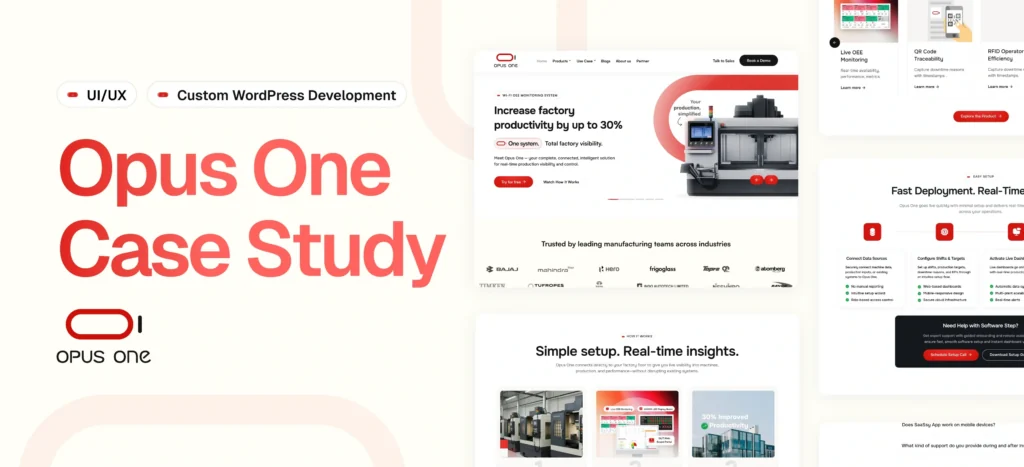
OpusOne – Scalable Product & Technology Platform
Delivered a flexible, scalable platform for managing products, sectors, and…
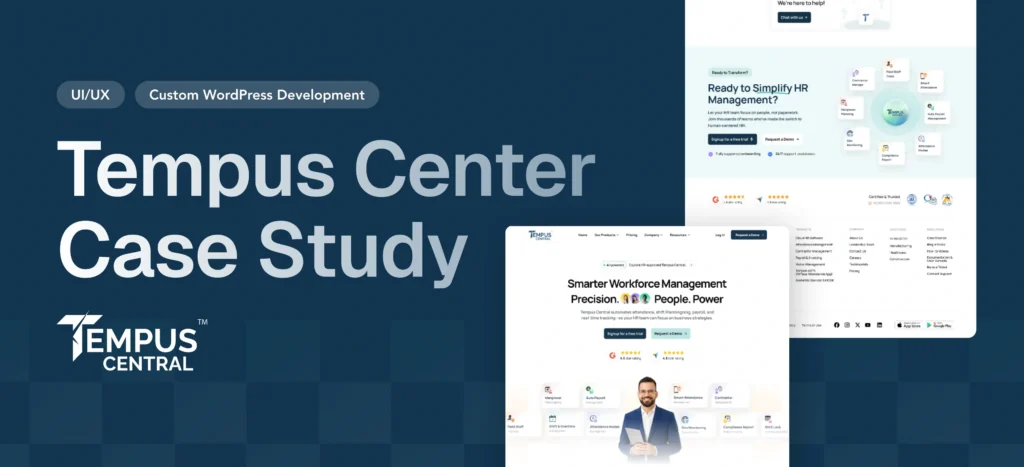
Tempus Central – HR & Workforce Management Website
Delivered a modular, scalable website with dynamic styling and seamless…
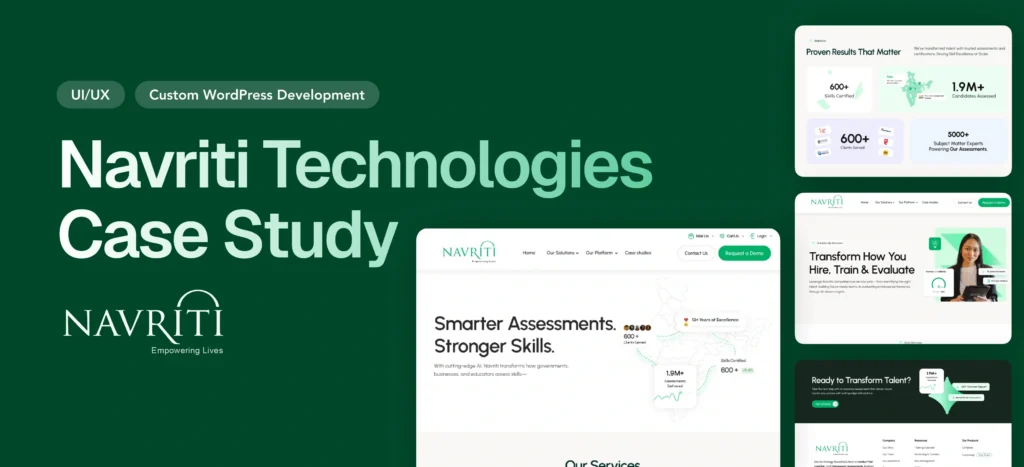
Empowering India’s Skilling Movement — Navriti Website Redesign
Navriti Technologies is leading India’s skilling and employability movement. But…
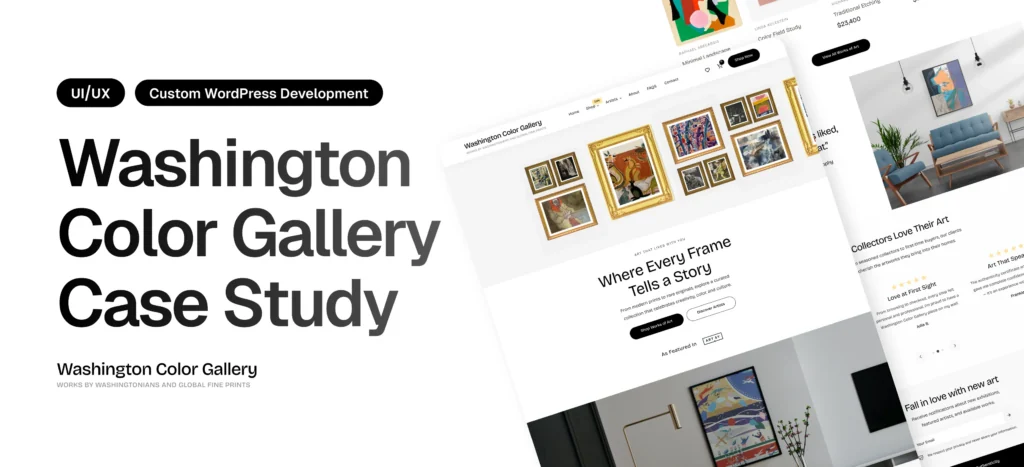
Washington Color Gallery Case Study – WordPress Redesign & Performance Optimization
Overview Washington Color Gallery is a contemporary art platform showcasing…
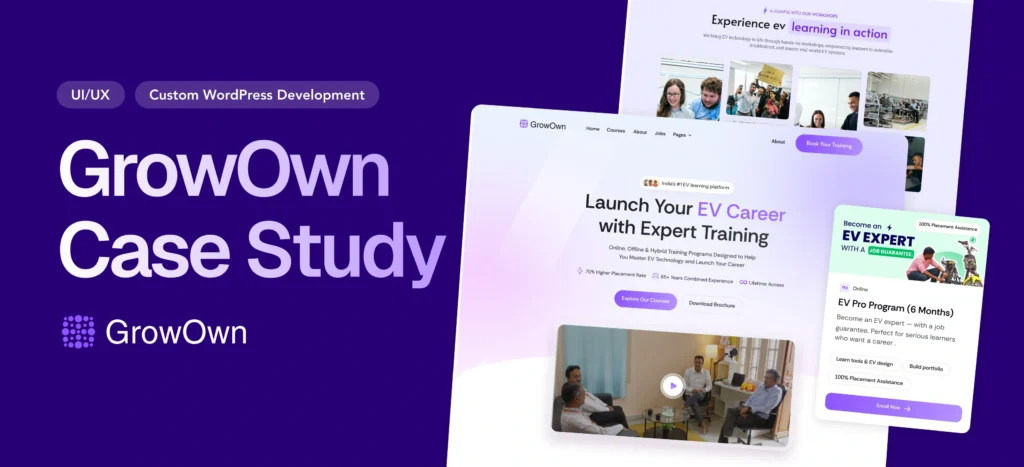
Building India’s Leading EV Learning Platform from Scratch: The Growown Success Story
Overview GrowOwn is an innovative EV (Electric Vehicle) learning platform…
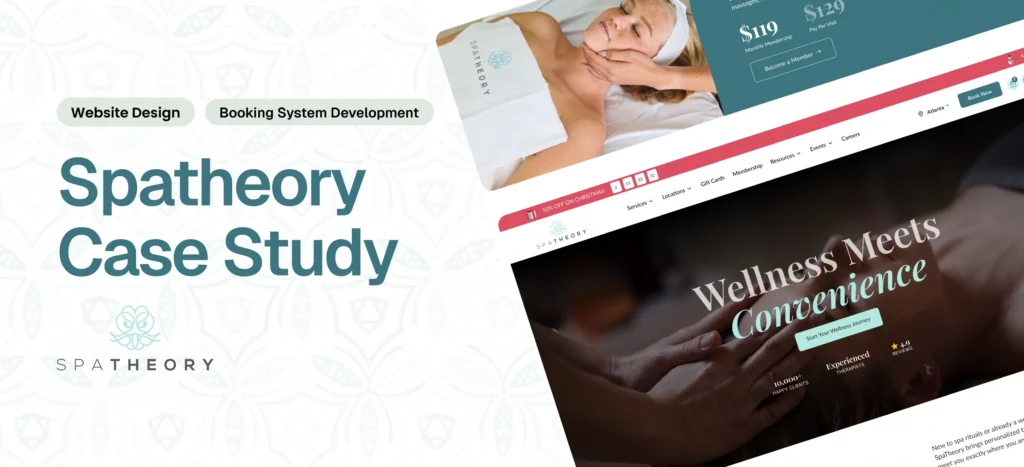
Spatheory – Luxury Spa Booking Platform Transformation
Delivered a fast, scalable platform with a seamless booking experience…
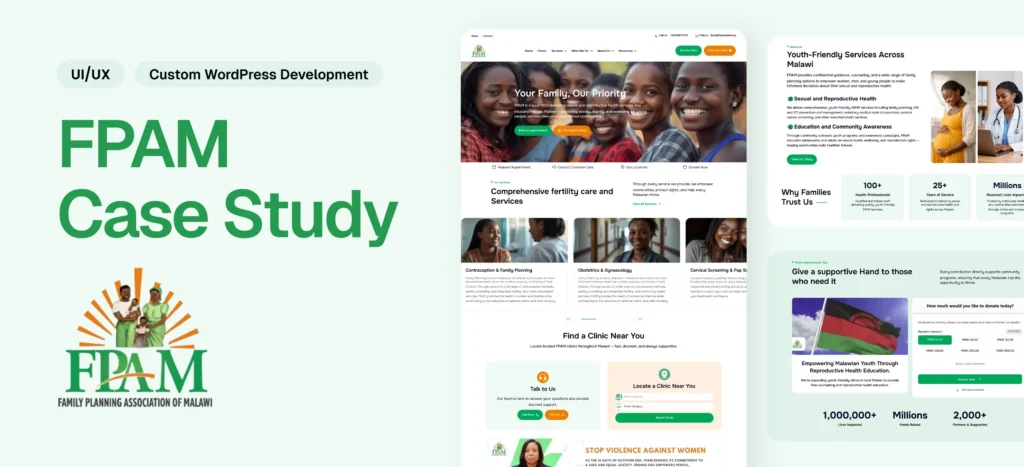
Family Planning Association of Malawi (FPAMalawi) Website Modernization
Delivered a modern healthcare platform with structured content, booking, donation,…
Why Choose Qrolic
A Website Process Built Around Your Institute
Qrolic connects business-focused planning, custom design, WordPress development, transparent delivery, and client ownership, so your institute website goes beyond visual presentation.
0+
Years of WordPress
Delivering top-tier digital services across design, development, and performance.
0+
Happy Clients
Serving global brands with a 95%+ satisfaction rate across industries.
0%
Client satisfaction
We’re committed to delivering solutions that truly make an impact.
0+
Team members
A strong team of experts in WordPress, web technologies, and UI/UX.
Start a Conversation
Tell Us About Your Institute Website
Share what your computer training institute needs from its website. Discuss your goals, design expectations, content requirements, and development needs with Qrolic.
Curious About the Cost? Free
Just drop your requirements on WhatsApp, and we’ll send you an instant estimate—no forms, no waiting.
 Message on WhatsApp

Curious About the Cost? Free
Just drop your requirements on WhatsApp, and we’ll send you an instant estimate—no forms, no waiting.
Frequently Asked Questions
Computer Institute Website FAQs
Have questions about planning, designing, and developing your institute website? Here are answers about the service, management, integrations, and ownership.
What Does Computer Institute Website Design Include?
Computer institute website design includes business discovery, UX planning, custom UI/UX design, and website development. The service also covers a custom WordPress block theme, dynamic content management, integrations, and custom functionality where required.
Can I Update Course Information Myself?
Yes. The website uses dynamic elements and a full CMS to support content and image updates. Qrolic also provides a website management guide and live training call before launch to help your team manage the website.
Will My Website Use a Generic Template?
No. The process begins by understanding your institute, audience, offerings, positioning, and goals. Qrolic then creates a distinctive digital experience through custom UI/UX design rather than relying on a generic template.
Can You Connect My Existing Business Tools?
Qrolic’s workflow includes integrations with CRM systems, newsletters, forms, email, analytics, and other third-party services. The specific tools and integration requirements can be discussed according to your institute’s needs.
Who Owns My Website After Launch?
You retain ownership of your website, domain, hosting, and essential accounts. The domain is purchased through your account, and the website stays on your hosting rather than being tied to agency-owned assets.
What Makes Your Website Development Approach Different?
Computer training website development at Qrolic follows a structured process covering planning, custom design, WordPress development, integrations, staging, communication, and handover. The approach also emphasizes a lean plugin stack, transparent pricing, and client ownership.