Consulting Website Design That Builds Trust and Supports Growth
Your website should communicate the value of your expertise before a prospect ever speaks with you. Qrolic provides consulting website design and development that unite your services and identity.
Trusted by large companies worldwide.















Introduction
Make Your Consulting Expertise Clear to Clients
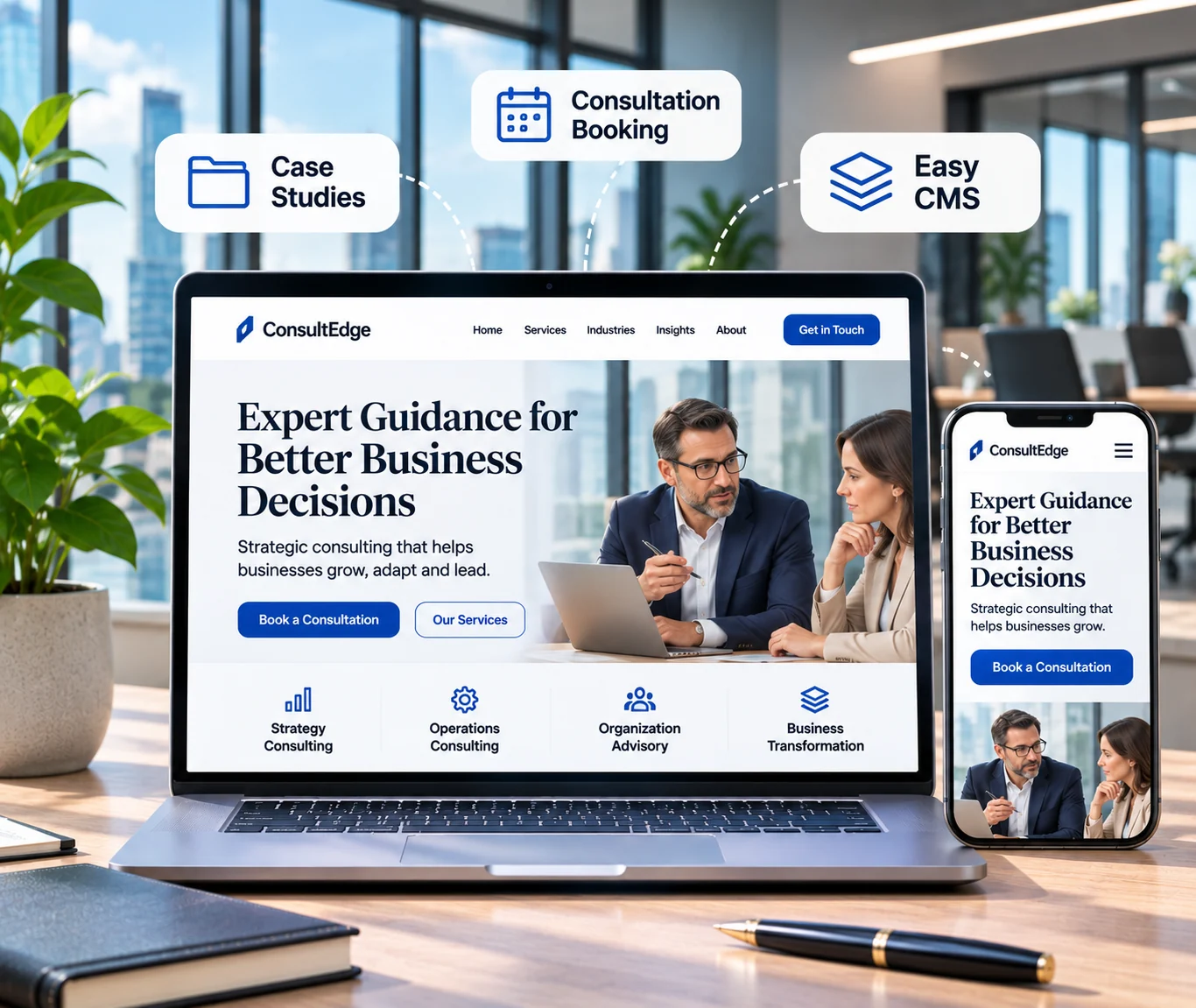
Consulting firms sell expertise and judgment, so their websites must communicate those strengths clearly. Qrolic brings UI/UX design and development together around your services, audience, and goals.
Clarity
Credibility
Ownership
Our Capabilities
- Custom UI/UX Design
- Consulting Service Pages
- Responsive Website Development
- WordPress CMS Development
- Booking and Lead Capture
- Secure Website Development
- Website Training and Handoff

Consulting Web Design
A Website Built Around Your Consulting Firm
Consulting web design creates a professional online presence for firms that sell expertise. It brings your brand, services, and experience together in a website visitors can understand and navigate.
01
What Does the Service Include?
Covers custom UI/UX design, consulting service pages, responsive WordPress development, content management, booking and lead capture, secure development, and training and handoff.
02
Why Does Your Website Matter?
Prospects may visit after a referral or while researching a business challenge. Clear messaging, defined services, and credible proof help them decide whether your firm is worth contacting.
03
How Does Our Service Help?
Qrolic combines custom design and development to structure your firm’s digital presence, presenting services, insights, approved proof, and a clear contact path.
04
Who Needs This Service?
Suits independent consultants, boutique consultancies, management consulting firms, fractional executives, and advisory practices needing a professional website aligned with their expertise.
Our Approach
We follow a structured design and development process from requirements to launch. You stay involved through reviews, approvals, and handoff, with ownership of your website and accounts.
Benefits
Give Your Consulting Firm a Stronger Website
A purposeful website helps prospects understand your expertise, services, and proof, while giving your team more control over supported content.

Clearer Business Positioning
Present your expertise, audience, and services in an organized way. Help visitors understand what your consultancy offers and whom it serves.

Professional Brand Presence
Use custom website design to reflect your firm’s identity. Create a consistent digital experience that supports the professional image you want to communicate.

Defined Service Pages
Give each consulting offer room for a clear explanation. Help prospective clients understand your services instead of navigating one broad, generic description.

Credible Proof Presentation
Organize approved case studies, testimonials, and credentials. Present relevant experience while respecting client confidentiality and the information you are permitted to share.

Easier Client Enquiries
Give visitors clear ways to contact your firm. Booking and lead capture features can support the first step toward a business conversation.

Independent Content Management
Manage supported website content through an intuitive backend. Training and handoff help your team update relevant information without depending on a developer for every change.
Give Your Consulting Expertise a Stronger Digital Presence
Free UX Audit
Your website should make your services easy to understand and your next step easy to find. Let’s discuss a website that reflects your consulting business.

Our Process
How We Design and Build Your Website
Our workflow moves from understanding your business to design, development, review, and handoff.
01
Understand Your Business
02
Plan the User Experience
03
Design Your Brand Experience
04
Build the WordPress Website
05
Make Content Easy to Manage
06
Use a Full CMS
07
Keep It Lean and Connect Tools
08
Build, Review, and Hand Off
Step 01
Understand Your Business
We begin by understanding your consulting business, target audience, service offerings, and website requirements. This information guides the design direction and helps establish a structure suited to your firm.
Step 02
Plan the User Experience
We plan the website’s structure, navigation, and user journeys. The goal is to help visitors find relevant services, understand your expertise, and identify how to contact your firm.
Step 03
Design Your Brand Experience
We develop a visual direction that reflects your brand and professional identity. The design brings together layouts, typography, colors, and other visual elements into a consistent experience.
Step 04
Build the WordPress Website
We develop the approved design into a functional WordPress website. Development focuses on performance, usability, security, and a responsive experience across supported devices.
Step 05
Make Content Easy to Manage
We structure relevant website areas so your team can manage supported content. This can include regularly updated information such as service details, team profiles, and published insights.
Step 06
Use a Full CMS
WordPress provides a content management foundation for maintaining your website. The CMS structure supports the addition and management of pages and content as your business evolves.
Step 07
Keep It Lean and Connect Tools
We focus on an efficient website structure and connect relevant tools based on the agreed requirements. Booking, forms, and other integrations are considered within the project scope.
Step 08
Build, Review, and Hand Off
We address agreed functionality, share development progress, and keep the process transparent. Before project completion, we provide the agreed training and handoff, with website ownership remaining under your control.
Comparison
Why a Purposeful Consulting Website Matters
A generic website can make expertise harder to communicate. A purposeful approach brings messaging, service structure, proof, and contact paths together.
Without Qrolic:
Without Qrolic :
- Generic business messaging
- Services grouped without structure
- Expertise difficult to communicate
- Proof is difficult to find
- Visitors lack a clear next step
- Updates require developer help
- Website ownership is unclear
With Qrolic:
With Qrolic :
- Design tailored to your business
- Dedicated pages for defined offers
- Clear presentation of your services
- Organized, approved proof
- Clear contact and booking options
- Content managed in WordPress
- Domain and accounts stay yours
Case Studies
Explore Our Approach to Consulting Websites
Qrolic does not use unverified consulting client results, testimonials, or project examples as proof. Any case studies or outcomes on your site should be supplied or approved by your firm.
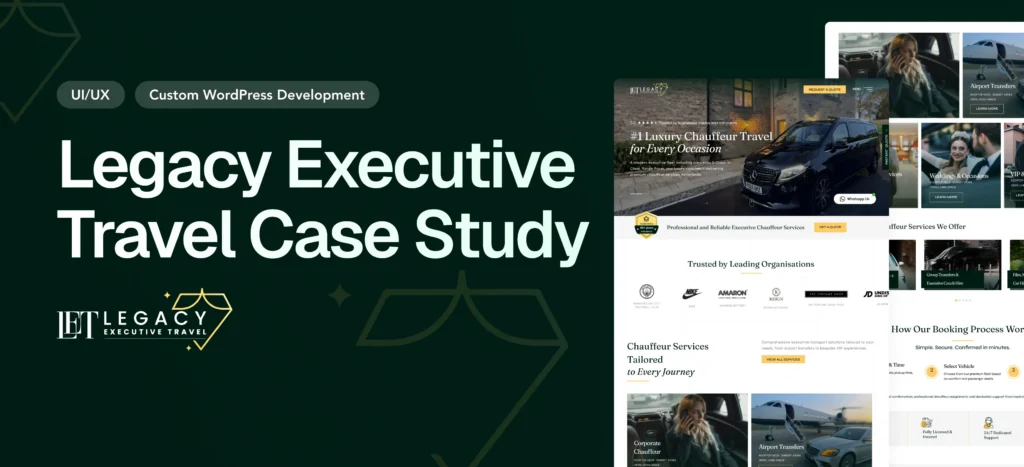
Legacy Executive Travel Website Redesign Case Study – Luxury Chauffeur Platform
Overview Legacy Executive Travel is a UK-based luxury chauffeur company…
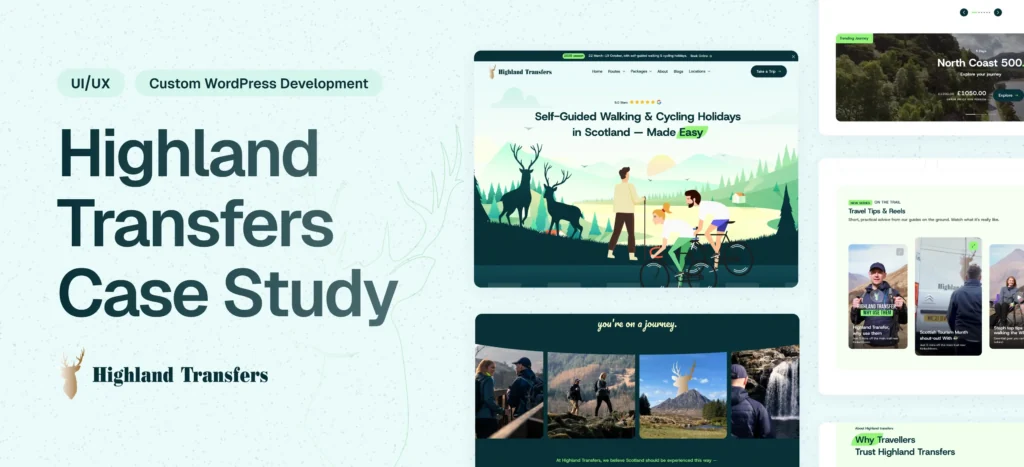
Highland Transfers Website Redesign & Development & SEO Optimization
Overview Highland Transfers is a professional transportation service offering reliable…
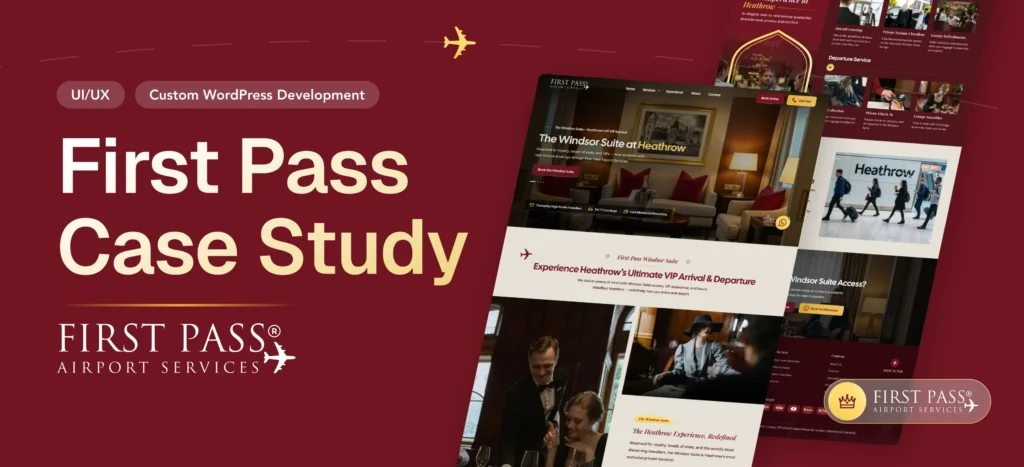
First Pass Airport Website Development & Smart Booking System
Overview First Pass Airport is a premium airport concierge service…
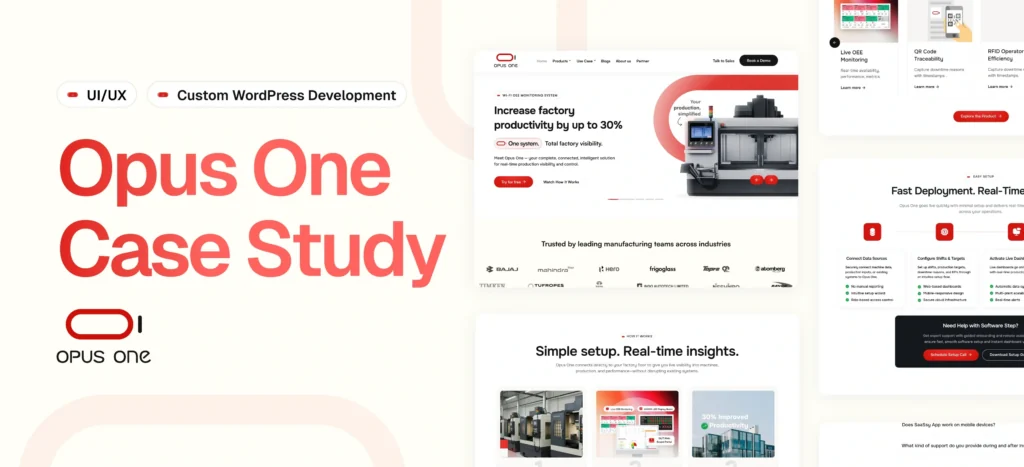
OpusOne – Scalable Product & Technology Platform
Delivered a flexible, scalable platform for managing products, sectors, and…
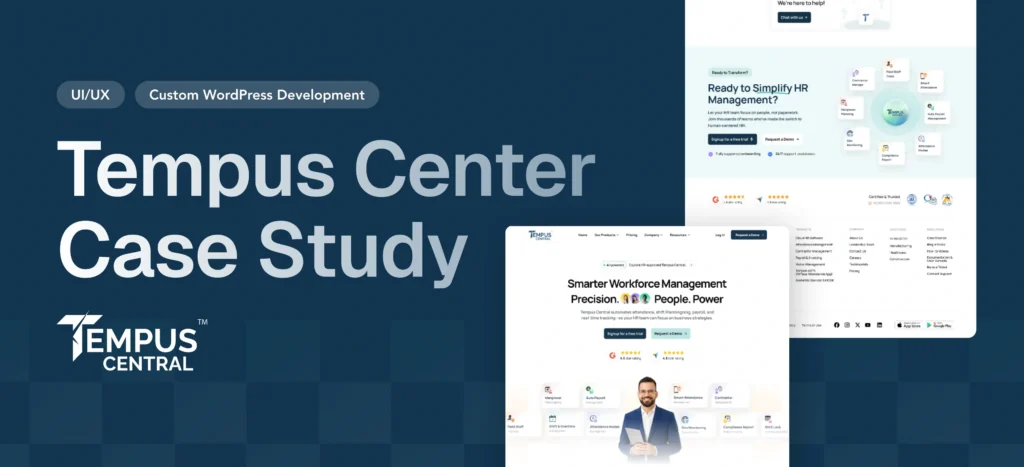
Tempus Central – HR & Workforce Management Website
Delivered a modular, scalable website with dynamic styling and seamless…
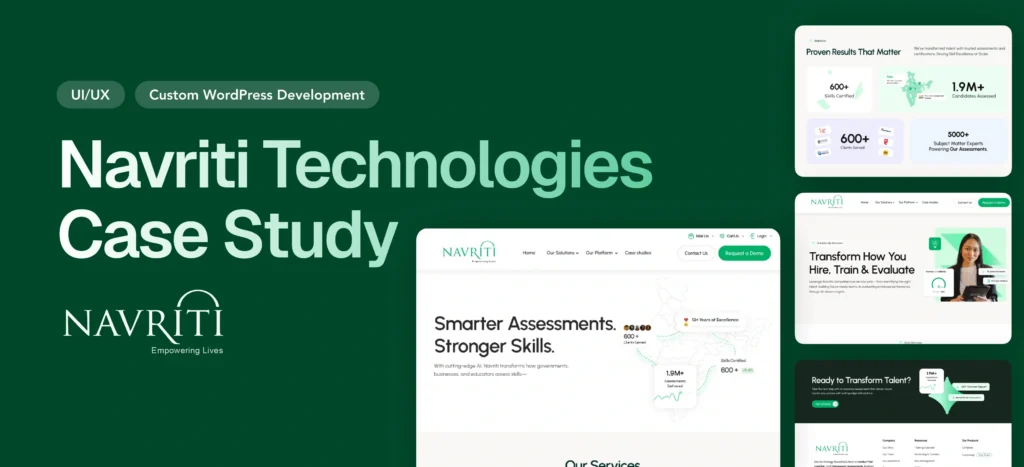
Empowering India’s Skilling Movement — Navriti Website Redesign
Navriti Technologies is leading India’s skilling and employability movement. But…
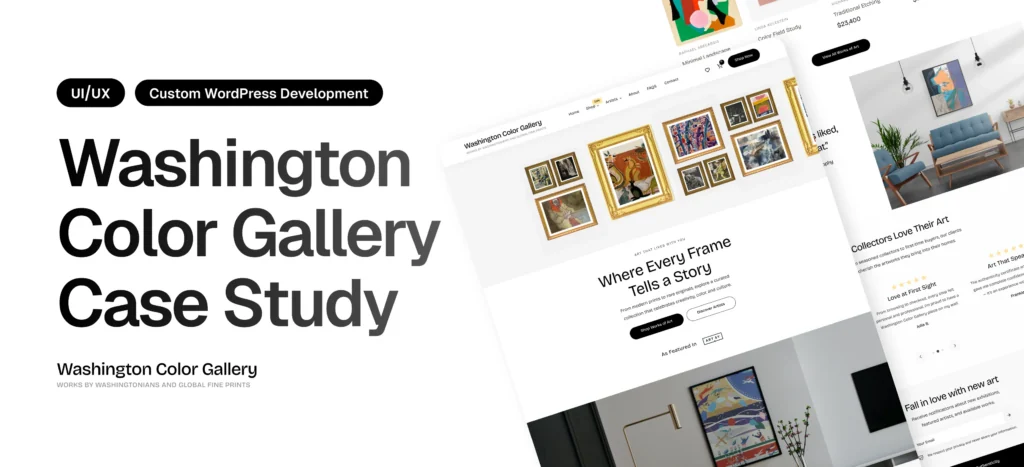
Washington Color Gallery Case Study – WordPress Redesign & Performance Optimization
Overview Washington Color Gallery is a contemporary art platform showcasing…
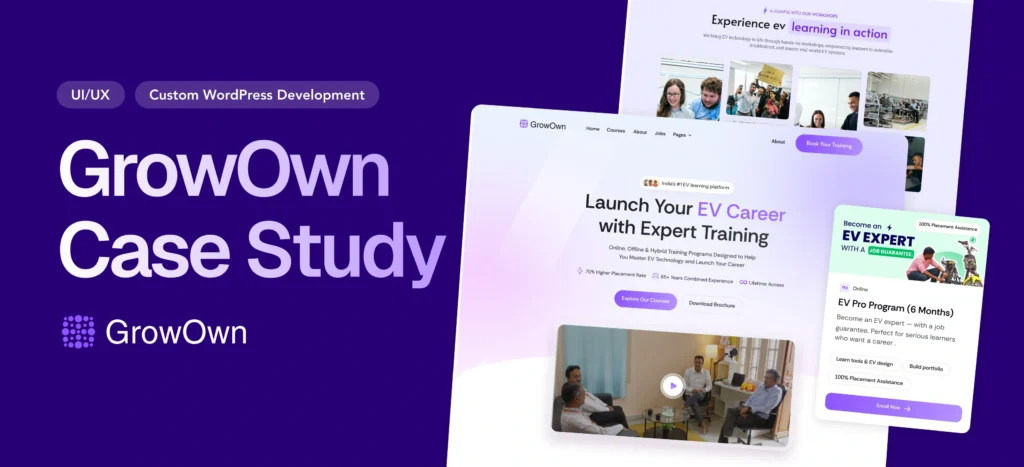
Building India’s Leading EV Learning Platform from Scratch: The Growown Success Story
Overview GrowOwn is an innovative EV (Electric Vehicle) learning platform…
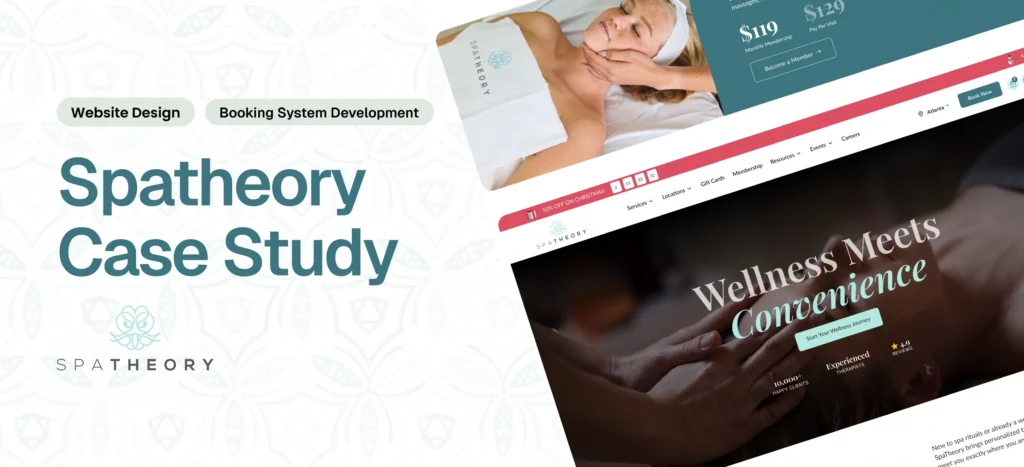
Spatheory – Luxury Spa Booking Platform Transformation
Delivered a fast, scalable platform with a seamless booking experience…
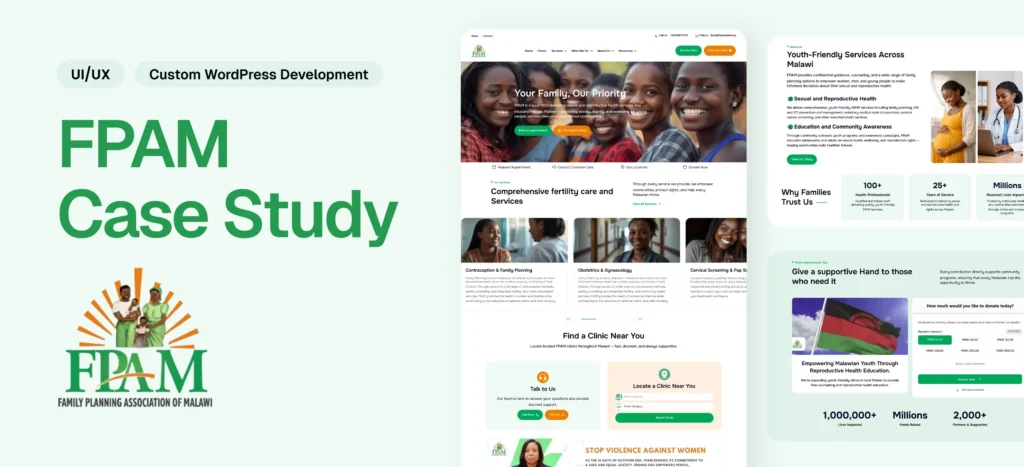
Family Planning Association of Malawi (FPAMalawi) Website Modernization
Delivered a modern healthcare platform with structured content, booking, donation,…
Why Choose Qrolic
A Practical Partner for Consulting Websites
Qrolic brings design and development together, with custom design, an intuitive CMS, booking features, security, training, and ownership built into the process.
0+
Years of WordPress
Delivering top-tier digital services across design, development, and performance.
0+
Happy Clients
Serving global brands with a 95%+ satisfaction rate across industries.
0%
Client satisfaction
We’re committed to delivering solutions that truly make an impact.
0+
Team members
A strong team of experts in WordPress, web technologies, and UI/UX.
Start a Conversation
Build a Website That Reflects Your Expertise
Whether you are launching an advisory practice or improving an established consultancy website, tell us about your business, services, and website requirements.
Curious About the Cost? Free
Our website cost calculator is built using real
project data – no guesswork, just honest pricing.
 Message on WhatsApp

Curious About the Cost? Free
Just drop your requirements on WhatsApp, and we’ll send you an instant estimate—no forms, no waiting.
Frequently Asked Questions
Common Questions About Consulting Websites
Learn what a consulting website should include, how the process works, and how you can manage the website after launch.
What Should a Consulting Website Include?
A consulting website should explain who the firm helps, the problems it addresses, and the services it offers. It should also provide relevant proof, team information where appropriate, useful insights, and a clear way to enquire or arrange a conversation.
How Much Does Consulting Website Design Cost?
The cost of consulting website design depends on the website’s size, design requirements, number of service pages, content structure, and requested functionality. Qrolic discusses project requirements and scope so the work and pricing can be understood before the project begins.
Can You Present Case Studies When Our Clients Require Confidentiality?
Yes, your website can present approved case study information without necessarily identifying the client. Depending on what your firm is permitted to disclose, a case study may describe the industry, organization size, region, challenge, and agreed outcomes without revealing confidential details.
Should a Consulting Firm Have Separate Pages for Each Service?
Separate pages can help explain distinct consulting offers in greater detail. For example, a diagnostic engagement, a project, an advisory retainer, and a workshop may each need different descriptions, deliverables, and enquiry paths. The final structure should reflect your actual services.
What Is the Best Website Design for a Consulting Business?
The best website design for consulting business needs is one that makes the firm’s expertise, services, and value easy to understand. It should use a professional visual identity, clear navigation, relevant proof, and a straightforward path for prospective clients to make contact.
Can We Update Our Consulting Website After Launch?
Yes. Qrolic develops websites with an intuitive backend and WordPress content management capabilities. The project includes training and handoff so your team can manage supported content and make relevant updates without relying on a developer for every change.
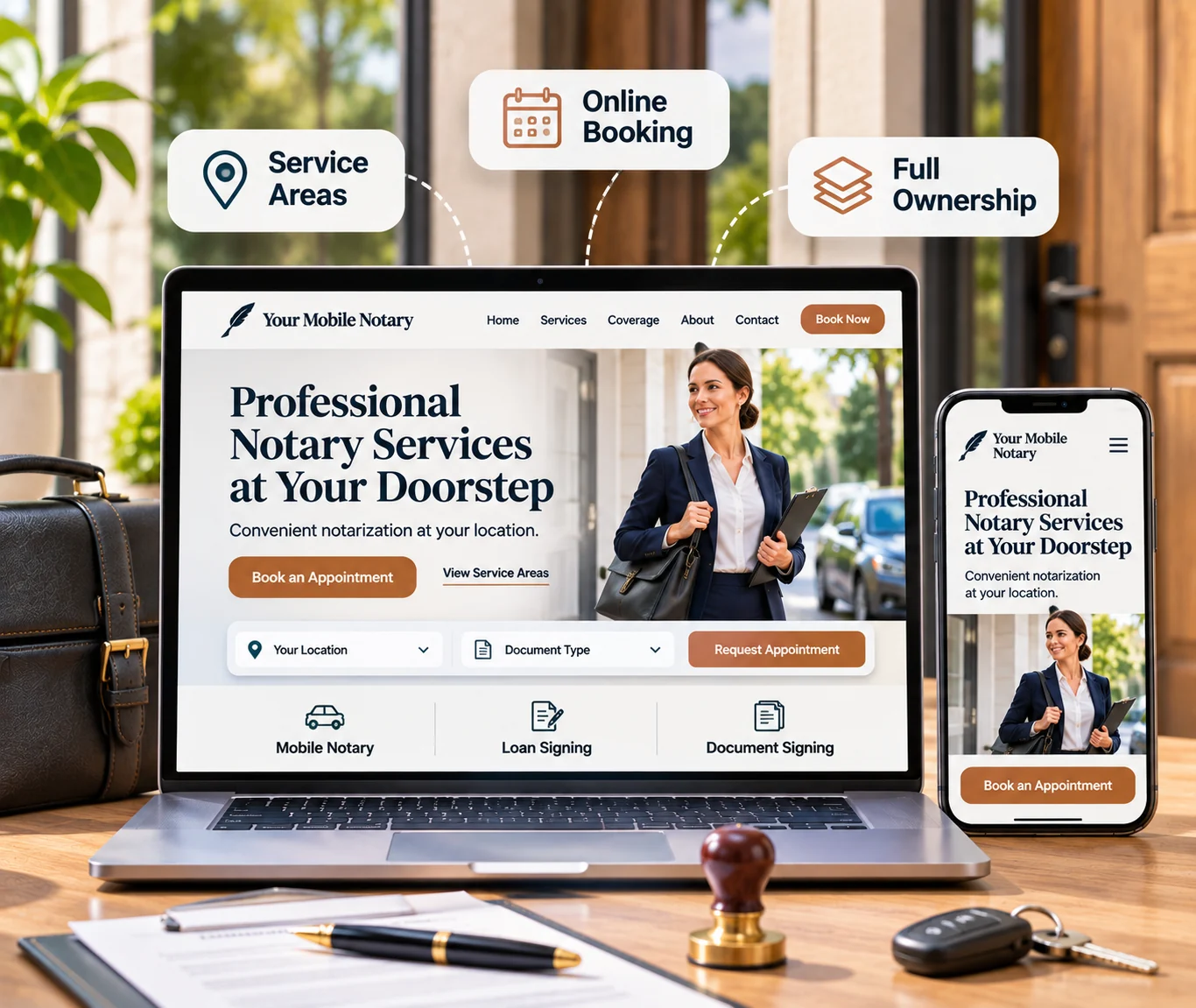
Mobile Notary Website Design & Development
Your clients need to know whether you travel to their location and how to book. Qrolic creates custom websites that communicate your service coverage and make it easier to contact your business.
Trusted by large companies worldwide.
Introduction
A Website Built for Traveling Notaries
A mobile notary business operates differently from an office-based practice. Clients need to know whether you travel to them, which areas you cover, and how to arrange an appointment.
Service Coverage
Clear Booking
Full Ownership
Our Capabilities
- Custom Website Design
- Mobile-Responsive Development
- Booking and Client Management Features
- Service Area Presentation
- WordPress CMS Development
- Website Security and Performance
- Training and Ownership Handoff
Mobile Notary Website Services
A Website Designed Around Mobile Notary Services
Qrolic combines website planning, custom design, and WordPress development to build a site around your service areas, appointment process, and credentials.
01
What the Service Includes?
Website planning, custom design, and WordPress development, with a structure that can reflect your service areas, appointment requirements, credentials, and the audiences you serve.
02
Why It Matters?
Visitors often need to confirm travel coverage and appointment requirements before contacting a mobile notary. Clear information and accessible contact options reduce confusion.
03
How It Addresses Your Needs?
The website is planned around your operations and customer journeys, so pages, booking features, and content placement work together to show visitors the next step.
04
Who It Is For?
Independent mobile notaries, traveling notary businesses, loan signing agents, small notary teams, and practitioners offering mobile appointments alongside other notarization services.
Our Approach
We start with your service areas, requirements, audience, and preferred booking process. Our designers and developers then plan, design, and build the website around the agreed scope.
Benefits
A Mobile Notary Website That Clarifies Coverage
A website built around how your business works can help visitors understand your coverage, book more easily, and help you manage updates yourself.
Clear Coverage Information
Present the towns and areas your business serves. Help visitors understand whether mobile appointments may be available at their location.
Simpler Booking Journey
Organize appointment information and contact options clearly. Reduce unnecessary steps between a visitor discovering your services and contacting your business.
Professional Presentation
Use custom design to communicate your services and business identity. Give individual clients and professional partners a clearer understanding of your practice.
Better Mobile Experience
Make important website information accessible on mobile devices. Support visitors who are researching services or arranging appointments while away from a computer.
Flexible Website Management
Use an intuitive backend to manage website information. Make agreed updates to relevant pages without depending on a developer for every content change.
Ownership and Control
Keep your website assets under your control. Full ownership supports long-term flexibility when managing your domain, hosting, and related accounts.
Build a Website Around How Your Mobile Notary Business Works
Free UX Audit
Your website should communicate your services, coverage, and appointment requirements clearly. Let’s discuss a website structure that reflects your business and the clients you want to reach.
Our Process
Our Mobile Notary Website Design Process
The process covers discovery, user experience, design, development, integrations, review, training, and ownership, adapted to mobile notary requirements.
01
Design Around Your Business
02
Create a Guiding User Experience
03
Build a Distinctive Visual Design
04
Build a Fast, Lightweight Website
05
Make the Website Easy to Manage
06
Connect Tools and Build Functionality
07
Review Progress Transparently
08
Training, Handoff, and Ownership
09
Keep Pricing Straightforward
Step 01
Design Around Your Business
We begin by understanding your mobile notary business, service areas, document types, customer groups, and booking preferences. This establishes the requirements and priorities that guide the project, rather than starting from a template.
Step 02
Create a Guiding User Experience
We plan the website structure and visitor journeys around the information clients need. Coverage details, identification requirements, service options, and booking information can be considered when organizing the pages.
Step 03
Build a Distinctive Visual Design
We develop a visual direction that reflects your business identity and audience. The design considers professional presentation, clear navigation, and how important information appears across different screen sizes.
Step 04
Build a Fast, Lightweight Website
Our developers turn the approved design into a WordPress website, considering performance, security, responsive behavior, and the agreed functionality. The aim is to avoid unnecessary complexity while supporting the features in scope.
Step 05
Make the Website Easy to Manage
We plan the backend and content management system around information that may change, such as service areas, fees, availability, and credentials. The agreed page structure supports practical updates.
Step 06
Connect Tools and Build Functionality
We review the tools you use for communication, scheduling, and website management, and agree required integrations before development. Where the project needs more, we assess custom coverage, booking, enquiry, or automation features, subject to technical review and agreement.
Step 07
Review Progress Transparently
You can review the website during development, share feedback, and discuss questions or changes in line with the agreed scope. We keep the process clear through regular communication and progress updates.
Step 08
Training, Handoff, and Ownership
We provide a management handoff with training so you can work with your content management system and handle relevant updates. Your website, domain, hosting, and related accounts are maintained in your name rather than retained as agency-owned assets.
Step 09
Keep Pricing Straightforward
We define the project requirements and scope before work begins. The agreed pricing and project terms provide clarity about what is included and what has been approved.
Comparison
Custom Mobile Notary Websites Versus Generic Templates
A generic template may not show travel coverage, booking requirements, or credentials clearly. A custom website built around your business gives these details a clear place.
Without Qrolic:
Without Qrolic :
- Generic website templates
- Unclear service information
- Difficult mobile navigation
- Disconnected booking requirements
- Limited website management
- Unclear project ownership
- Developer-dependent content updates
With Qrolic:
With Qrolic :
- Custom website design
- Organized service presentation
- Responsive website experience
- Planned booking functionality
- Intuitive CMS management
- Full ownership model
- Training and handoff
Case Studies
Website Projects Built Around Business Requirements
This page does not present unverified mobile notary projects, testimonials, or performance results. Qrolic does not make project-specific claims without supporting evidence.
Legacy Executive Travel Website Redesign Case Study – Luxury Chauffeur Platform
Overview Legacy Executive Travel is a UK-based luxury chauffeur company…
Highland Transfers Website Redesign & Development & SEO Optimization
Overview Highland Transfers is a professional transportation service offering reliable…
First Pass Airport Website Development & Smart Booking System
Overview First Pass Airport is a premium airport concierge service…
OpusOne – Scalable Product & Technology Platform
Delivered a flexible, scalable platform for managing products, sectors, and…
Tempus Central – HR & Workforce Management Website
Delivered a modular, scalable website with dynamic styling and seamless…
Empowering India’s Skilling Movement — Navriti Website Redesign
Navriti Technologies is leading India’s skilling and employability movement. But…
Washington Color Gallery Case Study – WordPress Redesign & Performance Optimization
Overview Washington Color Gallery is a contemporary art platform showcasing…
Building India’s Leading EV Learning Platform from Scratch: The Growown Success Story
Overview GrowOwn is an innovative EV (Electric Vehicle) learning platform…
Spatheory – Luxury Spa Booking Platform Transformation
Delivered a fast, scalable platform with a seamless booking experience…
Family Planning Association of Malawi (FPAMalawi) Website Modernization
Delivered a modern healthcare platform with structured content, booking, donation,…
Why Choose Qrolic
A Website Approach That Considers Your Business Operations
Qrolic brings designers and developers together, with custom design, integrated booking features, security-minded development, training, and full ownership of your website assets.
0+
Years of WordPress
Delivering top-tier digital services across design, development, and performance.
0+
Happy Clients
Serving global brands with a 95%+ satisfaction rate across industries.
0%
Client satisfaction
We’re committed to delivering solutions that truly make an impact.
0+
Team members
A strong team of experts in WordPress, web technologies, and UI/UX.
Start a Conversation
Let’s Discuss Your Mobile Notary Website
Tell us about your mobile notary business, the locations you serve, and the website functionality you need. We can discuss the project requirements and the right direction for your website.
Curious About the Cost? Free
Our website cost calculator is built using real
project data – no guesswork, just honest pricing.
Curious About the Cost? Free
Just drop your requirements on WhatsApp, and we’ll send you an instant estimate—no forms, no waiting.
Frequently Asked Questions
Common Questions About Mobile Notary Websites
These answers explain what a mobile notary website includes, how cost is determined, and what you can manage yourself after launch.
What should a mobile notary website include?
A mobile notary website should clearly explain the services offered, locations served, appointment process, and contact options. It can also include credential information, identification requirements, travel-fee details, and a dedicated page for loan signing services where relevant.
How much does mobile notary website design cost?
The cost depends on the website’s size, design requirements, functionality, and integrations. A basic informational website has different requirements from a project involving custom booking workflows or additional service-area pages. Contact Qrolic to discuss your project scope.
Can clients book mobile notary appointments online?
Yes, a website can include booking or scheduling functionality when the required tools and workflow are supported. The booking process should consider the information your business needs, such as appointment location, document type, and signer count. Specific integrations must be agreed during project planning.
How can I show my service areas on a mobile notary website?
You can present the towns, counties, and neighborhoods your business genuinely serves on a dedicated coverage section or service-area pages. Include relevant travel information so visitors can understand where appointments may be available before contacting you.
Can I update my mobile notary website myself?
Yes. Qrolic builds websites with an intuitive content management backend and provides training and handoff. This helps you understand how to manage relevant website information, such as service descriptions and other content that may change over time.
Will I own my mobile notary website after development?
Yes. Qrolic’s ownership model keeps your website and agreed digital assets under your control. Domain, hosting, and related accounts remain in your name, giving you flexibility to manage your website beyond the development project.