Mobile App Website Design That Supports Better Leads
Your website should prove your app development expertise, not just list your services. Qrolic builds custom websites that showcase your work and encourage qualified project inquiries.
Trusted by large companies worldwide
















Introduction
Build a Website That Shows Your App Expertise
A strong mobile app development company website makes your work easier to evaluate. Qrolic combines audience-focused UX, custom design, and WordPress development to showcase your capabilities.
Credibility
Clarity
Ownership
Our Capabilities
- App Portfolio and Case Studies
- Custom UX/UI and Visual Design
- Interactive App Mockups
- App Store Integrations
- Lead Qualification Forms
- Dynamic WordPress Content Management
- Website Speed Optimization

App Website Solutions
What Your App Agency Website Needs
Your website should help potential clients understand what you build, how you work, and whether your team fits their project. Qrolic creates marketing websites for mobile app businesses.
01
What Does the Service Include?
The service includes discovery and planning, custom UX/UI design, WordPress development, interactive app mockups, portfolio and case study pages, and App Store or Google Play integrations. Lead forms collect project details to qualify inquiries.
02
Why Does Your Website Matter?
App buyers need evidence of technical skill before starting a conversation. Static screenshots or generic service descriptions may not show your process or set your work apart. A focused showcase helps visitors assess your capabilities.
03
How Does Qrolic Solve These Problems?
Qrolic plans visitor journeys, presents your portfolio through case studies and interactive showcases, and organizes services around client needs. A dynamic CMS helps your team update portfolio items, and contextual forms invite relevant inquiries.
04
Who Is This Service For?
This service is for mobile app development agencies, studios, companies, and freelance developers growing into agencies. It also suits app startups seeking a professional web presence that explains their offering and builds partner confidence.
Our Approach
Qrolic starts by understanding your app portfolio, target clients, and strengths. The process covers experience planning, custom design, WordPress development, integrations, review, training, and handover, with assets remaining under your ownership.
Benefits
Turn Your Portfolio Into Stronger Proof
Your website can do more than display finished apps. It can help prospects understand your capabilities, evaluate your work, and submit inquiries with useful project context.

Demonstrate Technical Skill
Interactive mockups and case studies show more than screenshots. Help visitors understand the work behind your apps.

Improve Lead Context
Forms can collect project type, budget, and descriptions. Give your team more information to assess incoming inquiries.

Showcase Live Apps
App Store and Google Play links connect visitors with published work. Make your portfolio easier to verify.

Update Work Independently
A dynamic content management system supports portfolio and case study updates. Your team can keep the website current.

Strengthen Brand Credibility
Custom design presents your services and process clearly. Help the website reflect the quality of your work.

Keep Control of Assets
Your website, domain, hosting, and accounts remain yours. Training helps your team manage content after handover.
Ready to Showcase Your App Development Expertise?
Free Recruitment Site Review
Build a website that explains your capabilities, presents your portfolio, and helps prospective clients take the next step.

Our Workflow
9 Steps From Planning to Handover
Qrolic follows a structured workflow tailored to your app business. Review progress throughout development and prepare your team to manage the finished website.
01
Understand Your Business
02
Plan Visitor Journeys
03
Design Your Brand Experience
04
Develop the Website
05
Organize Portfolio Content
06
Keep the Build Efficient
07
Connect Relevant Tools
08
Review and Test
09
Train and Hand Over
Step 01
Understand Your Business
Review your app portfolio, target client personas, and service strengths. This gives the website a clear purpose and audience.
Step 02
Plan Visitor Journeys
Map how potential clients move from your services to portfolio examples and inquiry forms. Make important information easier to find.
Step 03
Design Your Brand Experience
Create custom UX/UI and visual design for your app business. Present your services and technical strengths without relying on a generic agency template.
Step 04
Develop the Website
Build a lightweight WordPress website around your portfolio and showcase requirements. Keep the experience focused on visitors and prospective clients.
Step 05
Organize Portfolio Content
Set up dynamic content for apps and case studies. Give your team a practical way to add work and update existing entries.
Step 06
Keep the Build Efficient
Use a lightweight development approach suited to the required features. Avoid unnecessary complexity that can make the website harder to manage.
Step 07
Connect Relevant Tools
Integrate appropriate business tools, analytics, and app store links. Help connect your website experience with the systems it needs.
Step 08
Review and Test
Review the website on a staging site and test key functions, including forms and portfolio filters. Address issues before launch.
Step 09
Train and Hand Over
Learn how to manage portfolio content and inquiries. Your website, domain, hosting, and accounts remain under your ownership, with pricing outlined in the proposal.
Comparison
Mobile App Website Design for Better Leads
Generic websites may show what your agency does without demonstrating how you work. Qrolic focuses on app portfolios, useful project context, and content management for app businesses.
Other service
Without Qrolic :
- Generic agency-style presentation
- Static app screenshots only
- Limited case study context
- General contact forms
- Difficult portfolio updates
- Few app store connections
- Unclear ownership and handover
Qrolic Technologies
With Qrolic :
- Design tailored to app buyers
- Interactive app showcase options
- Case studies that explain work
- Forms that collect project context
- Dynamic portfolio management
- App Store, Google Play links
- Client ownership and training
Case studies
How Your Portfolio Becomes Proof of Skill
Case studies show how you work, not only what you built. We structure your portfolio so each project explains its context and approach. No client results are claimed on this page.
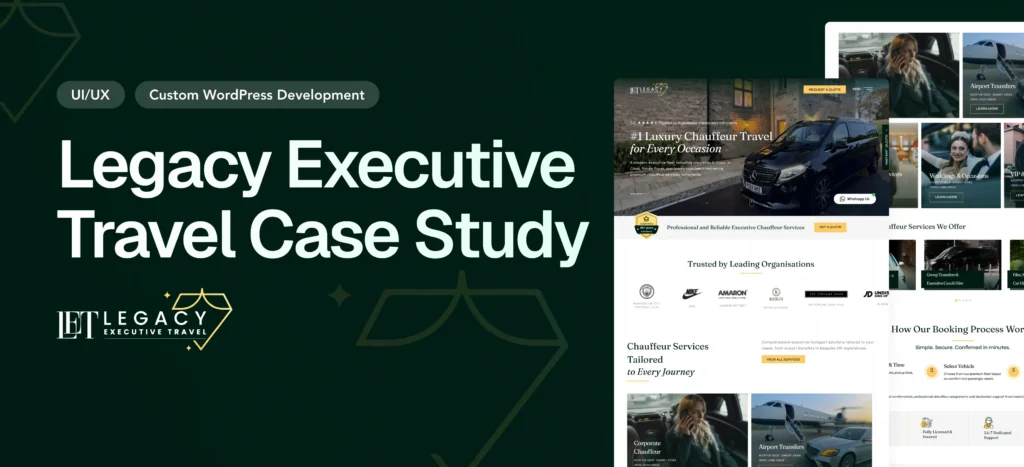
Legacy Executive Travel Website Redesign Case Study – Luxury Chauffeur Platform
Overview Legacy Executive Travel is a UK-based luxury chauffeur company…
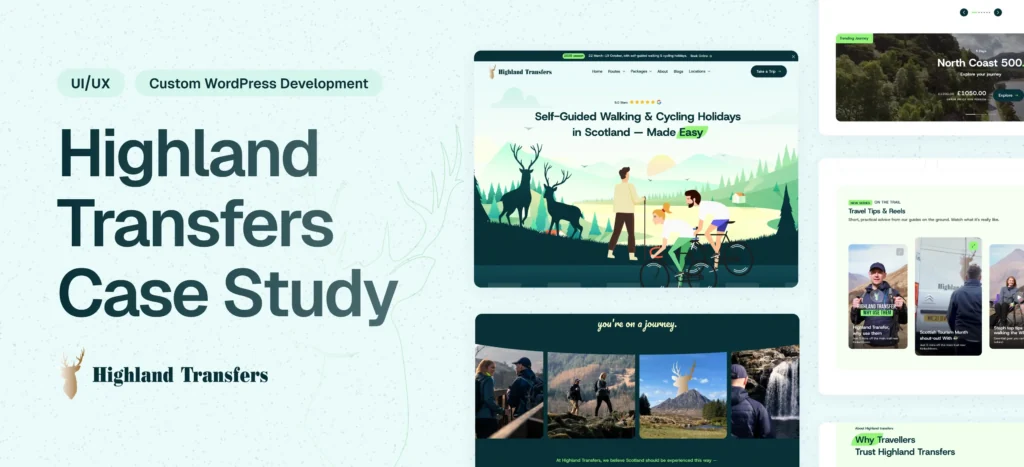
Highland Transfers Website Redesign & Development & SEO Optimization
Overview Highland Transfers is a professional transportation service offering reliable…
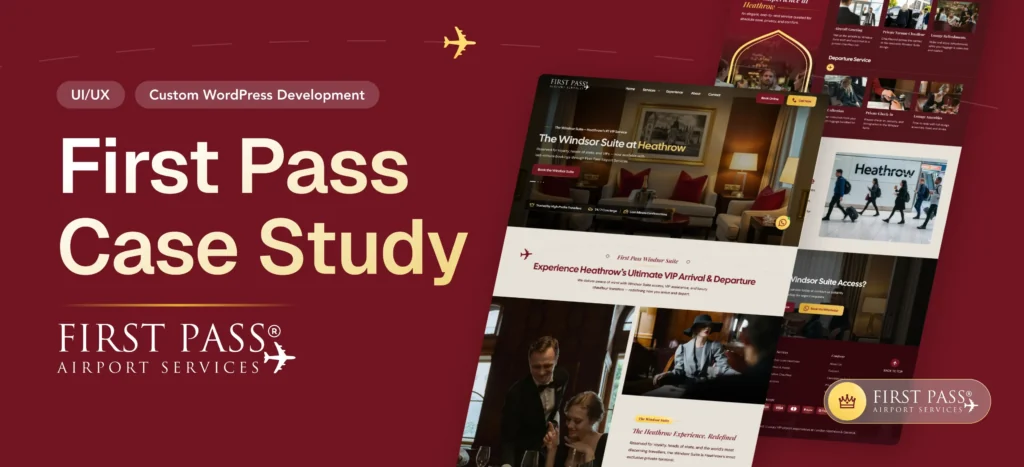
First Pass Airport Website Development & Smart Booking System
Overview First Pass Airport is a premium airport concierge service…
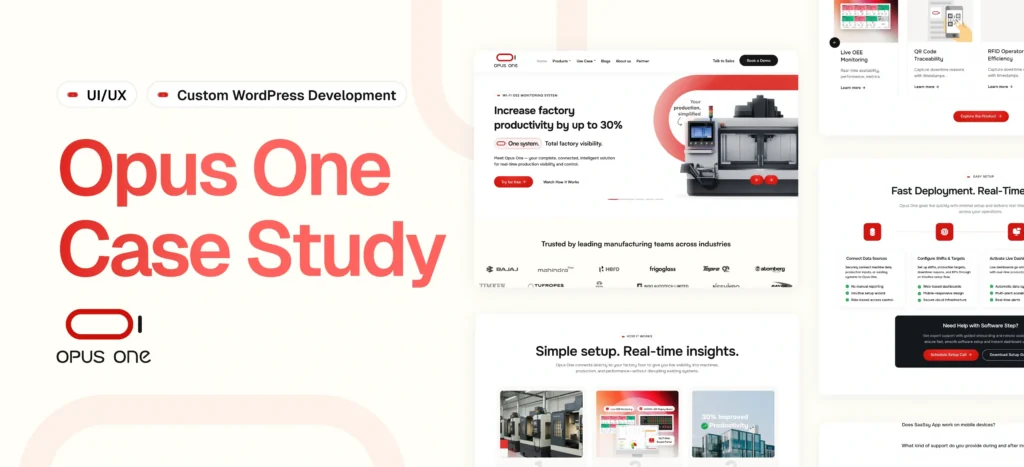
OpusOne – Scalable Product & Technology Platform
Delivered a flexible, scalable platform for managing products, sectors, and…
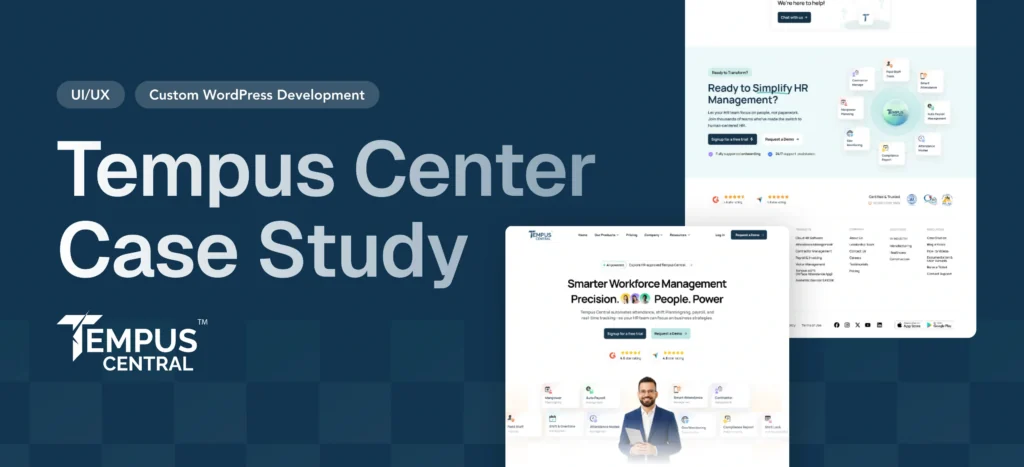
Tempus Central – HR & Workforce Management Website
Delivered a modular, scalable website with dynamic styling and seamless…
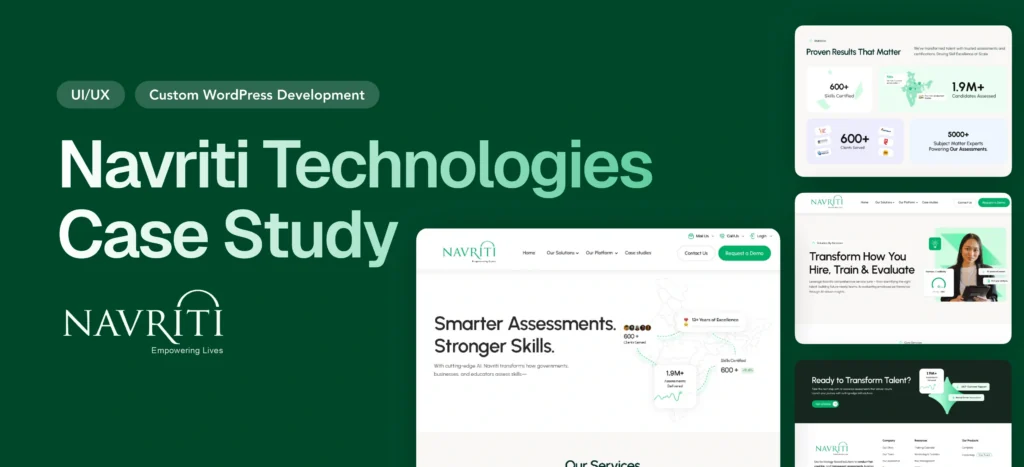
Empowering India’s Skilling Movement — Navriti Website Redesign
Navriti Technologies is leading India’s skilling and employability movement. But…
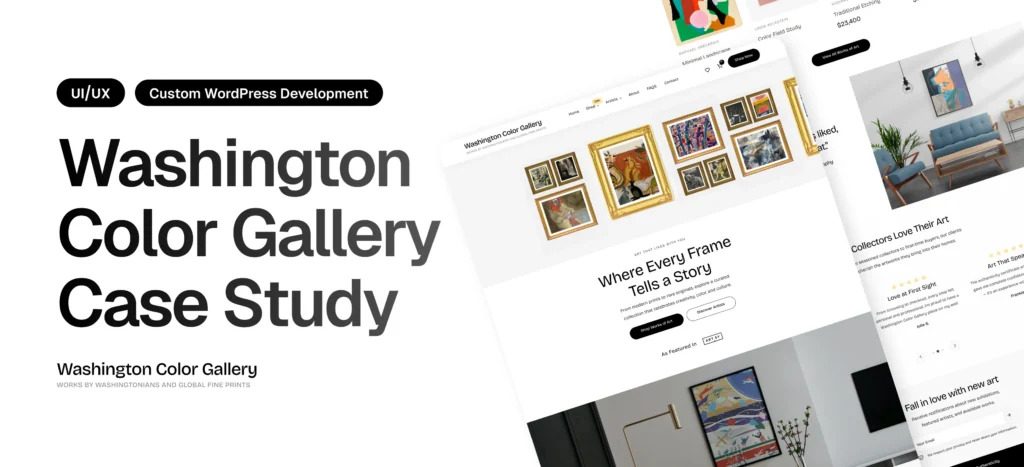
Washington Color Gallery Case Study – WordPress Redesign & Performance Optimization
Overview Washington Color Gallery is a contemporary art platform showcasing…
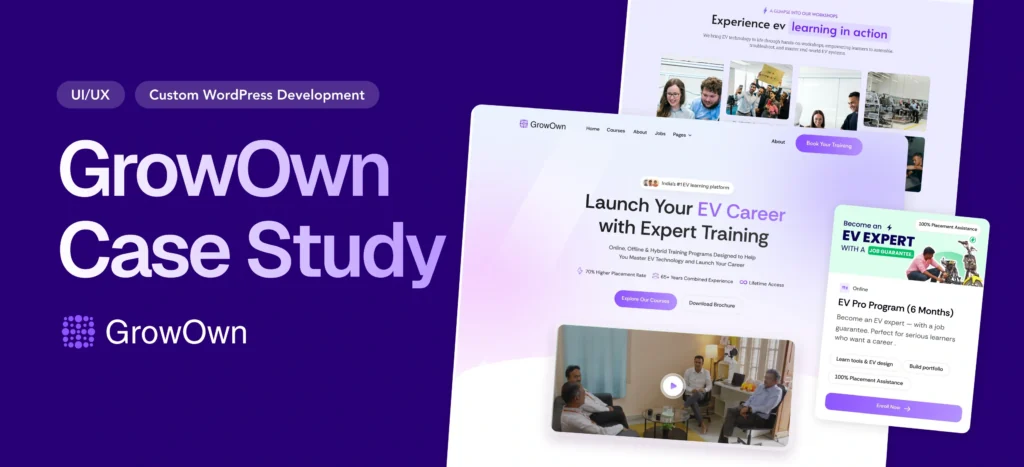
Building India’s Leading EV Learning Platform from Scratch: The Growown Success Story
Overview GrowOwn is an innovative EV (Electric Vehicle) learning platform…
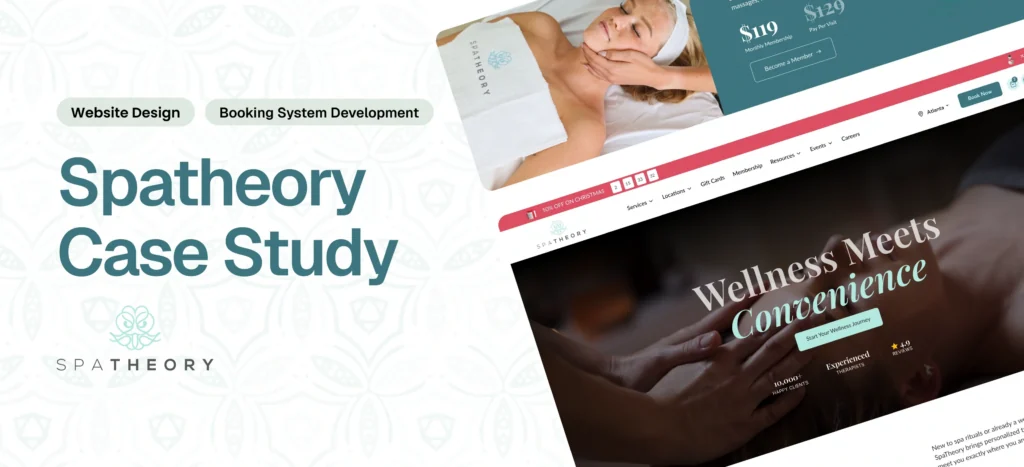
Spatheory – Luxury Spa Booking Platform Transformation
Delivered a fast, scalable platform with a seamless booking experience…
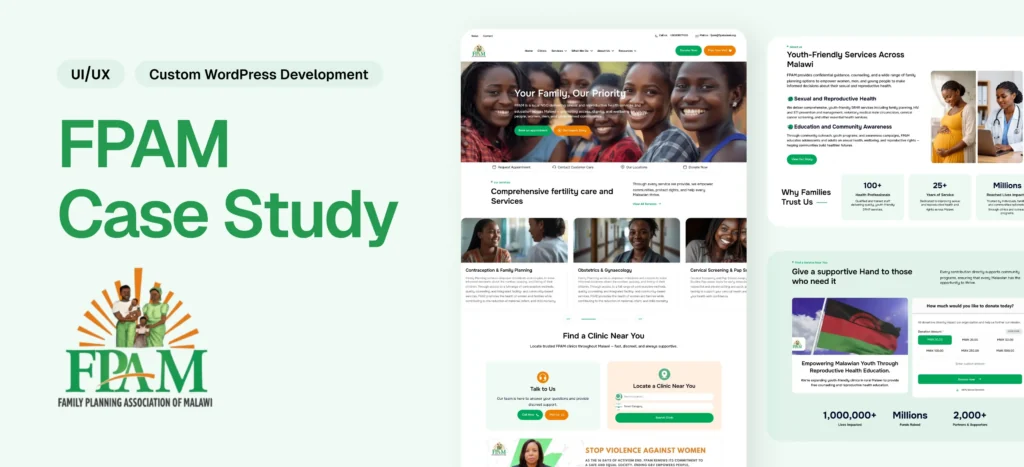
Family Planning Association of Malawi (FPAMalawi) Website Modernization
Delivered a modern healthcare platform with structured content, booking, donation,…
Why Choose Qrolic
Website Design Built for App Development Businesses
Qrolic builds websites for mobile app businesses, focusing on showcasing real work, qualifying inquiries, and giving you control of your website.
0+
Years of WordPress
Delivering top-tier digital services across design, development, and performance.
0+
Happy Clients
Serving global brands with a 95%+ satisfaction rate across industries.
0%
Client satisfaction
We’re committed to delivering solutions that truly make an impact.
0+
Team members
A strong team of experts in WordPress, web technologies, and UI/UX.
Start Your Project
Plan Your App Agency Website
Tell Qrolic about your services, portfolio, and goals. Discuss the website features and integrations that make sense for your business.
Curious About the Cost? Free
Just drop your requirements on WhatsApp, and we’ll send you an instant estimate—no forms, no waiting.


Curious About the Cost? Free
Just drop your requirements on WhatsApp, and we’ll send you an instant estimate—no forms, no waiting.
Frequently Asked Questions
Common Questions About App Agency Websites
Understand what the service includes, how the process works, and what your team can manage after launch before you start a website project.
What Does an App Agency Website Include?
An app development company website can include service pages, an interactive portfolio, case studies, app mockups, and project inquiry forms. Qrolic can also include App Store and Google Play links, dynamic content management, and relevant integrations based on your requirements.
How Can You Showcase Apps on Your Website?
Interactive app mockups let visitors explore aspects of your work, while case studies explain the project context and your approach. An app showcase website can also link directly to published apps through App Store and Google Play integrations.
Can Our Team Update the Portfolio Ourselves?
Yes. The website can use a dynamic WordPress content management system for portfolio and case study updates. Qrolic provides training so your team can manage website content without relying on a developer for every routine change.
How Is Custom Design Different From Templates?
Custom website design for app developers is planned around their audience, portfolio, and project inquiry goals. Rather than relying on a generic agency layout, the website can present app work through tailored case studies, interactive mockups, and relevant service pages.
Is App Startup Website Design Right for Us?
App startup website design can suit a new development studio or an app business preparing to attract clients. The website can explain your services, demonstrate your capabilities, and give prospective clients a clear way to discuss their project.
Who Owns the Website After Launch?
You keep ownership of the website, domain, hosting, and accounts. Qrolic provides training and handover guidance so your team can manage portfolio content and maintain the website.