
Security Camera Installer Web Design Built Around Your Business
Your website should make it easy to understand your installation services and request a quote. We build custom WordPress websites with editable content and integrations for installers.
Trusted by large companies worldwide.












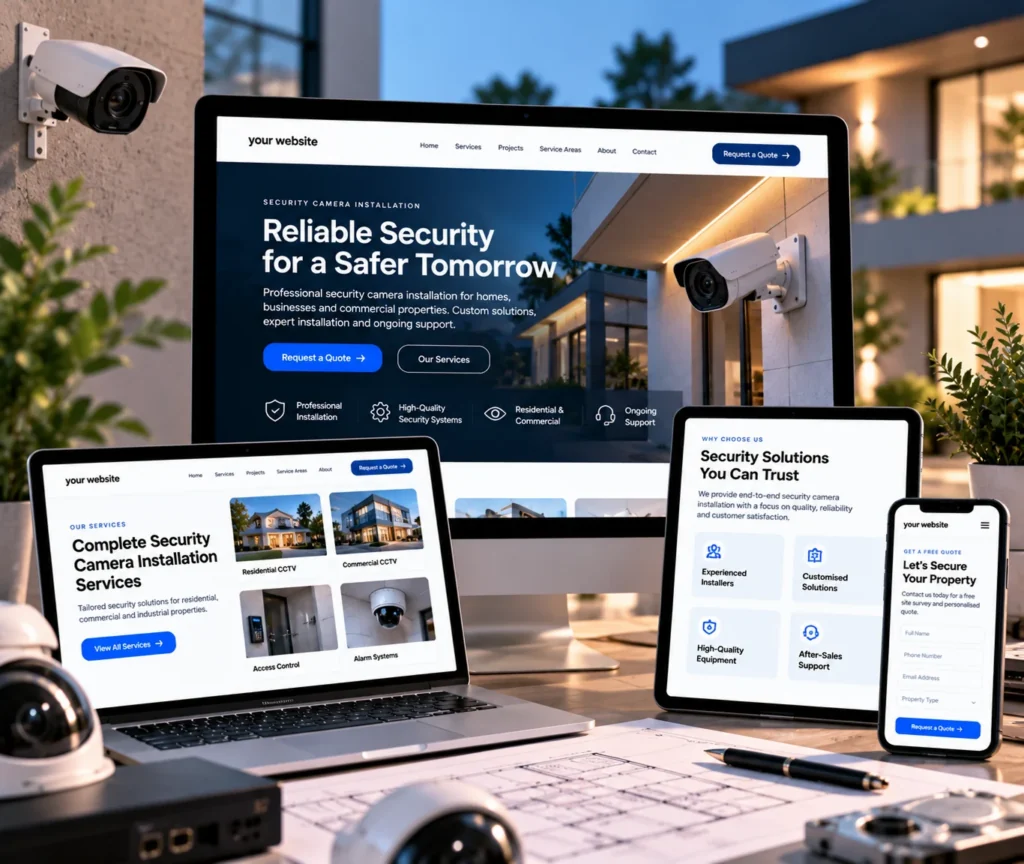

Introduction
Website Design and Development for Security Camera Installers
A security system installation website must show what you install, who you serve, where you operate, and how to contact you, not just list a company name and services.
Clarity
Control
Ownership
Our Capabilities
- UI/UX Design
- Website Design
- Website Development
- Service and Service Area Pages
- Quote Request Forms
- Project Galleries
- CMS Content Management

Installer Website Solutions
Why Installation Companies Need a Purpose-Built Website
Customers compare installers before they call. A purpose-built website explains your services clearly and gives visitors an easy next step.
01
What Does Security Camera Installer Web Design Include?
Planning the customer journey, custom visual design, site structure, and presentation of installation services, plus WordPress development with editable content, integrations, and custom functionality as scoped.
02
What Should the Website Include?
Organized residential and commercial services, dedicated system pages, clear navigation, quote or site-survey forms, approved project galleries, service area pages, and editable content. Scope follows your requirements.
03
Why Does a Purpose-Built Website Matter?
A confusing or outdated site makes the decision harder. A clear one explains services, shows professionalism, keeps contact options visible, and lets your team update services and areas without a developer.
04
Who Is This Service For?
Installers of cameras for residential, commercial, or broader security systems that need a website structured around their services and customers rather than a generic template, and that want to manage it themselves.
Our Approach
We understand your business first, then plan, design, and build. You review staging, receive updates, and get a management guide and live training. The website, domain, hosting, and accounts stay yours.
Benefits
Make It Easier for Customers to Choose You
A purpose-built installer website explains services clearly and keeps routine updates under your control. It also gives you a base that connects to your workflow.

Explain Your Services Clearly
Organize residential, commercial, and related services so visitors find the right information quickly.

Make Enquiries Easier
Clear calls to action, visible contact details, and well-designed forms show how to request a quote.

Present a Professional Brand
Custom visual design sets your business apart from interchangeable installation companies.

Keep Updates Under Your Control
Update services, service areas, and project portfolios through WordPress without a developer for routine changes.

Connect the Website With Your Workflow
Forms, CRM platforms, email, and analytics can connect to your existing business tools.

Keep Ownership of Your Assets
Your website, domain, hosting, and essential accounts remain under your ownership.
Ready for a Website Built Around Your Installations?
Free UX Audit
Make your services easy to understand and your quote request easy to find, with a website your team can manage.

Our SEO Process
How We Build Your Installer Website
Each stage builds on the last, from business planning to design, development, review, handover, and clear pricing.
01
Understand Your Business
02
Plan the User Experience
03
Design a Distinctive Interface
04
Build the WordPress Website
05
Set Up Editable Content and CMS
06
Keep the Build Lean
07
Connect Tools and Add Functionality
08
Review Progress on Staging
09
Train and Hand Over Ownership
Step 01
Understand Your Business
We learn about your industry, audience, service areas, positioning, and goals. This shapes a website around your security installation business, not a generic template.
Step 02
Plan the User Experience
We plan the user journey, page structure, content hierarchy, navigation, and calls to action so visitors can find relevant information and move toward an enquiry.
Step 03
Design a Distinctive Interface
We create custom UI/UX tailored to your security installation business’s brand and industry instead of generic layouts, for a distinctive and professional first impression.
Step 04
Build the WordPress Website
We develop a custom WordPress block theme with clean code, performance, security, and scalability in mind, without unnecessary development overhead.
Step 05
Set Up Editable Content and CMS
We make suitable elements editable and structure WordPress CMS control for different page types, so your team can update content, images, and pages after handover.
Step 06
Keep the Build Lean
We use a focused plugin stack for essential functions and clean custom development where suitable, which avoids unnecessary dependencies.
Step 07
Connect Tools and Add Functionality
We integrate relevant CRM, newsletter, form, email, and analytics tools. Custom functionality and automation cover needs beyond standard WordPress features.
Step 08
Review Progress on Staging
An early staging website lets you see the build taking shape. Regular updates and calls keep decisions visible, so you can give feedback before launch.
Step 09
Train and Hand Over Ownership
You receive a management guide and a live training call. Your website, domain, hosting, and essential accounts stay yours, with transparent pricing and no hidden fees.
Comparison
Custom Website Versus a Website Builder
A builder may suit a small business with simple needs. A custom website suits installers that need a tailored customer journey, specific page structures, integrations, or greater control.
Without Qrolic:
Without Qrolic :
- Starts from a shared template
- Structure set by the template
- Limited brand differentiation
- Editing depends on the template
- Integrations limited to add-ons
- Plugins fill functionality gaps
- Ownership depends on provider
With Qrolic:
With Qrolic :
- Design shaped around your business
- Journey planned before the build
- Custom UI/UX for your brand
- Editable CMS planned for your team
- Tools integrated per requirements
- Lean plugins, custom development
- You own site, domain, hosting
Case Studies
How We Approach Installer Website Projects
Every installation business has different services and areas. This page describes our process rather than client results, so no unverified projects or outcomes appear here.
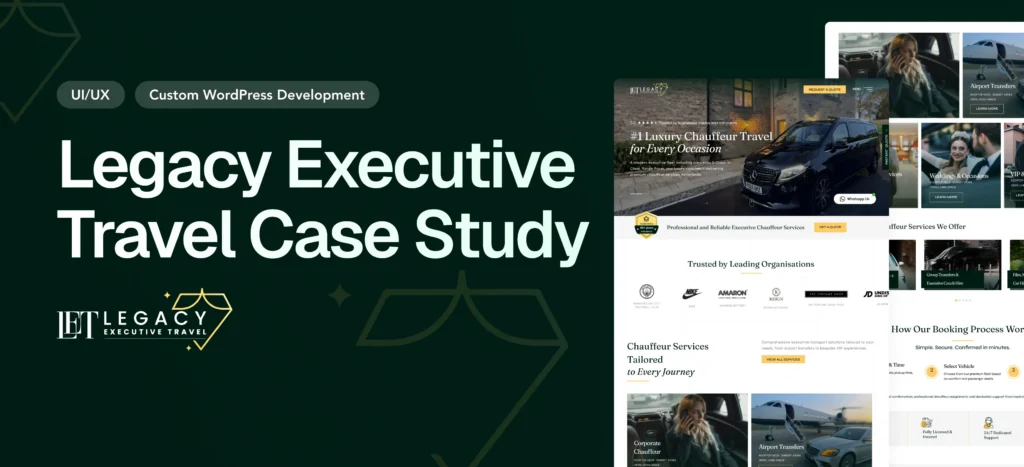
Legacy Executive Travel Website Redesign Case Study – Luxury Chauffeur Platform
Overview Legacy Executive Travel is a UK-based luxury chauffeur company…
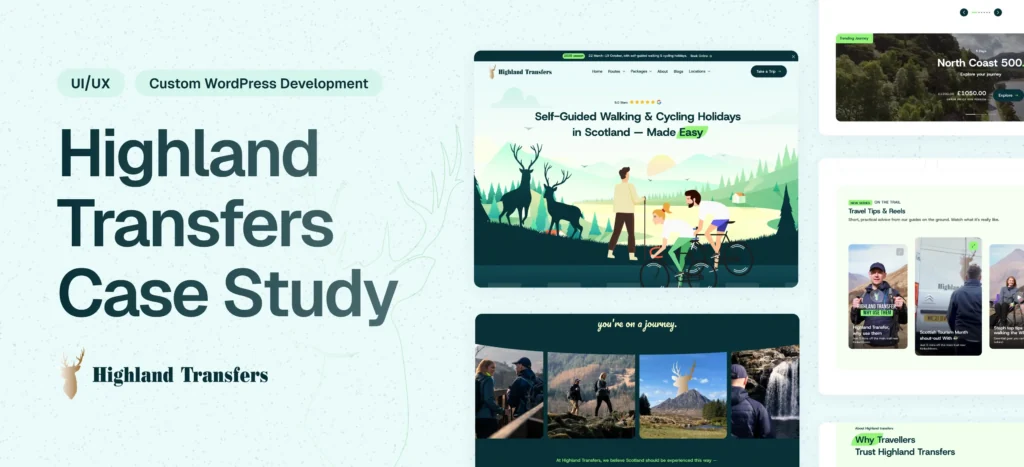
Highland Transfers Website Redesign & Development & SEO Optimization
Overview Highland Transfers is a professional transportation service offering reliable…
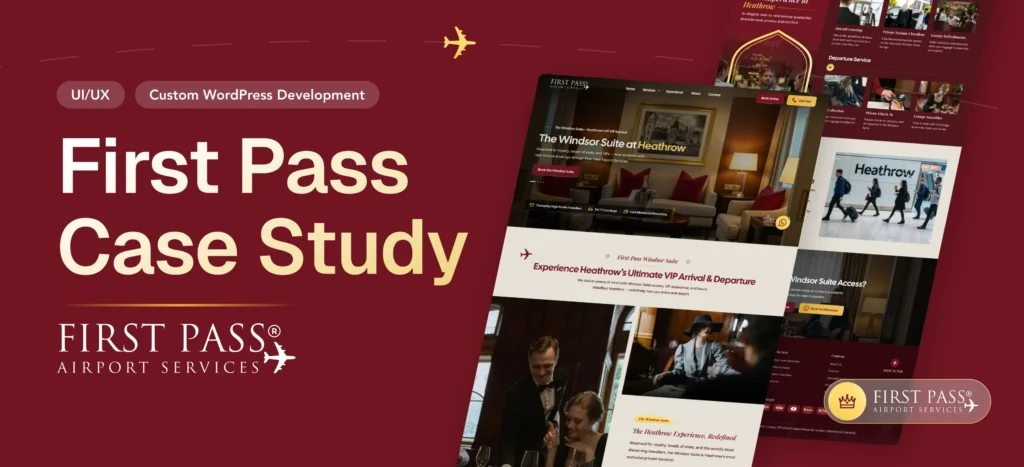
First Pass Airport Website Development & Smart Booking System
Overview First Pass Airport is a premium airport concierge service…
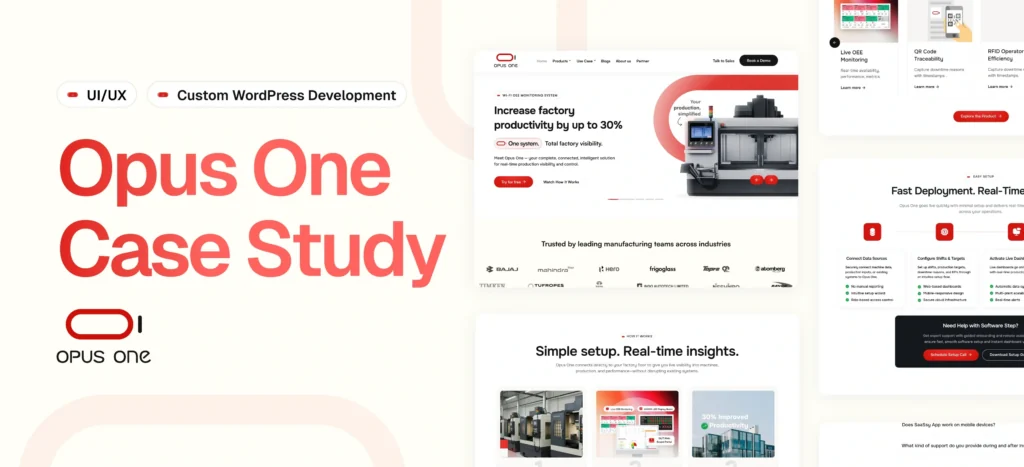
OpusOne – Scalable Product & Technology Platform
Delivered a flexible, scalable platform for managing products, sectors, and…
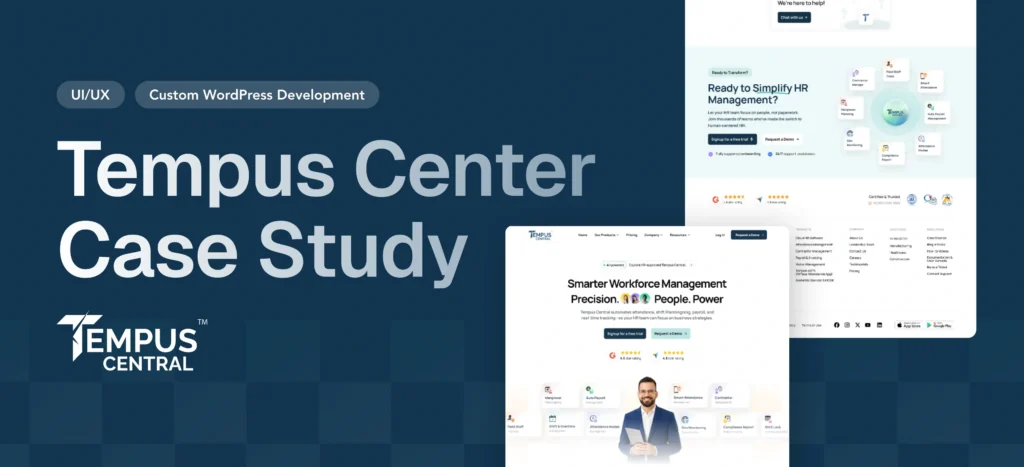
Tempus Central – HR & Workforce Management Website
Delivered a modular, scalable website with dynamic styling and seamless…
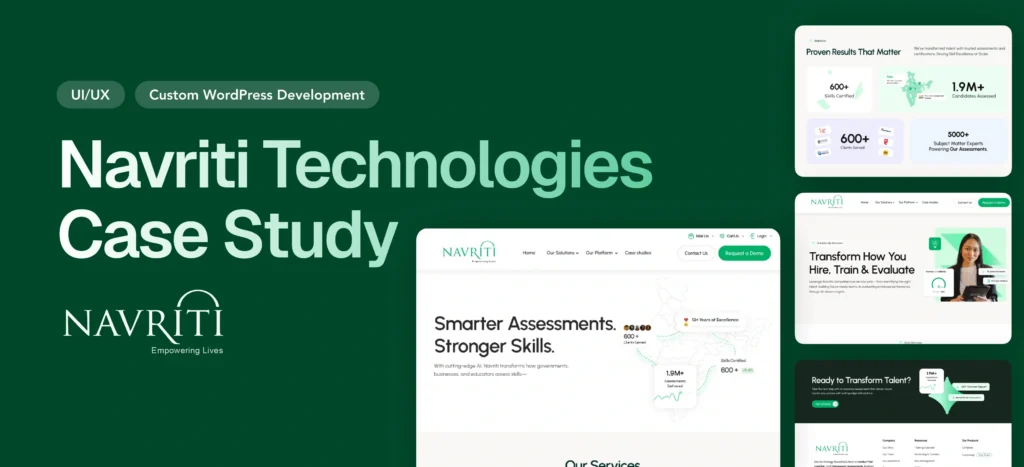
Empowering India’s Skilling Movement — Navriti Website Redesign
Navriti Technologies is leading India’s skilling and employability movement. But…
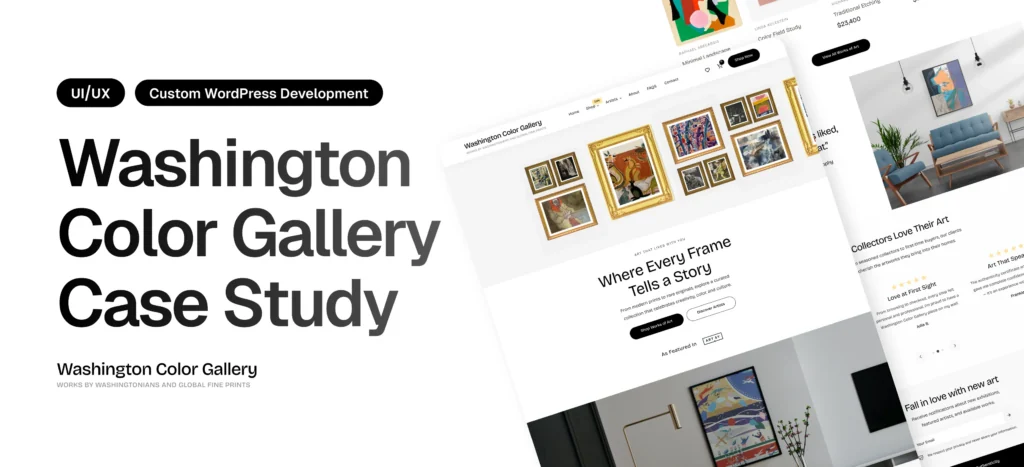
Washington Color Gallery Case Study – WordPress Redesign & Performance Optimization
Overview Washington Color Gallery is a contemporary art platform showcasing…
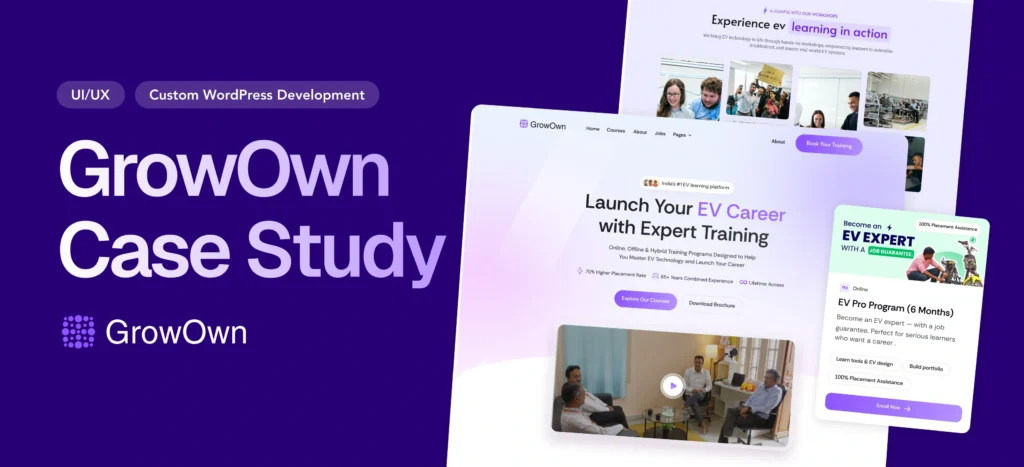
Building India’s Leading EV Learning Platform from Scratch: The Growown Success Story
Overview GrowOwn is an innovative EV (Electric Vehicle) learning platform…
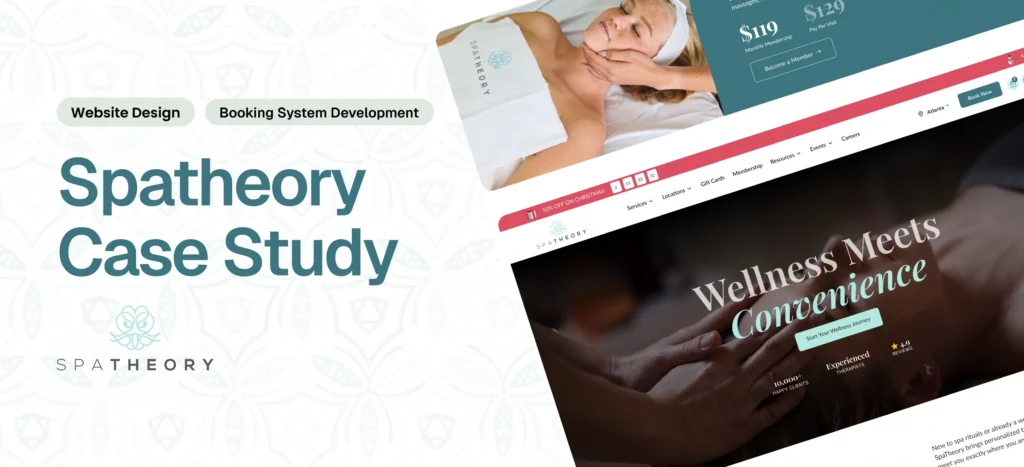
Spatheory – Luxury Spa Booking Platform Transformation
Delivered a fast, scalable platform with a seamless booking experience…
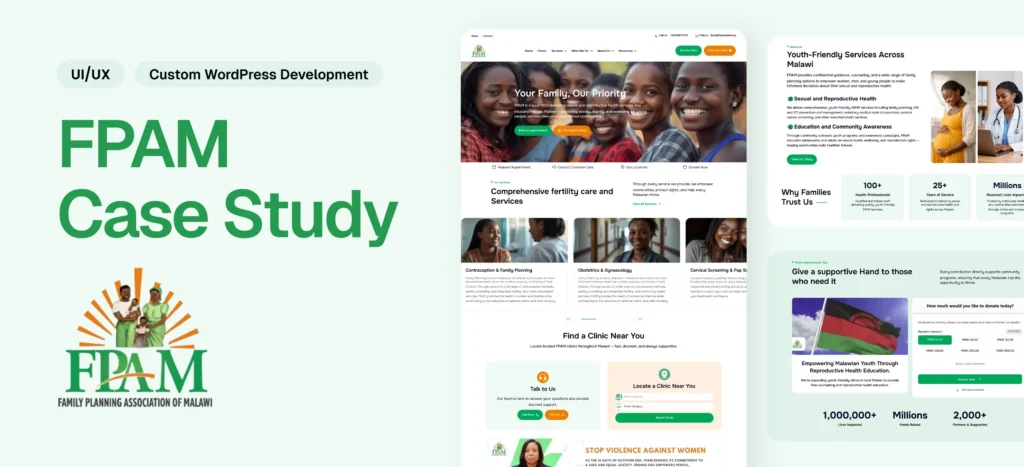
Family Planning Association of Malawi (FPAMalawi) Website Modernization
Delivered a modern healthcare platform with structured content, booking, donation,…
Why Choose Qrolic
A Website Partner Focused on Control and Clarity
Qrolic combines custom WordPress development with transparent communication. You review progress, learn to manage the site, and keep ownership of your digital assets.
0+
Years of WordPress
Delivering top-tier digital services across design, development, and performance.
0+
Happy Clients
Serving global brands with a 95%+ satisfaction rate across industries.
0%
Client satisfaction
We’re committed to delivering solutions that truly make an impact.
0+
Team members
A strong team of experts in WordPress, web technologies, and UI/UX.
Start Your Project
Let’s Plan Your Installer Website
Tell us about your services, service areas, and what you want the website to do. We can discuss design, WordPress development, CMS, and integrations.
Curious About the Cost? Free
Our website cost calculator is built using real
project data – no guesswork, just honest pricing.
 Message on WhatsApp
Curious About the Cost? Free
Just drop your requirements on WhatsApp, and we’ll send you an instant estimate—no forms, no waiting.
Frequently Asked Questions
Security Camera Installer Website Questions
Learn what the service includes, what it does not, and what to confirm before starting.
What Does Security Camera Installer Web Design Include?
Planning the customer journey, custom visual design, site structure, and installation service presentation. Development can include a custom WordPress block theme, editable content, integrations, and custom functionality.
What Is the Difference Between UI/UX Design, Website Design, and Website Development?
UI/UX plans how visitors navigate and find information. Website design sets the visual presentation. Website development builds the working site, including the CMS, content functionality, and integrations.
What Should a Security Camera Installer Website Include?
Clear services, areas served, and contact methods. Depending on your needs: service pages, quote forms, click-to-call, project galleries, and service area pages. Web design for security system installation follows your actual offerings.
Is a Custom Website Better Than a Website Builder?
It depends. A builder can suit simple needs. A custom website fits when you need a tailored journey, specific page structures, integrations, or more control. Budget, changes, and control preference decide.
Is the Website Built With WordPress?
Yes. The process uses custom WordPress block theme development, and the project scope confirms it suits your requirements.
Can I Update the Website Myself After Launch?
Yes. Suitable content is editable through the CMS, and you receive a management guide and a live training call before launch.
Can My Website Connect to My CRM or Scheduling Tool?
CRM platforms, forms, email, analytics, and other third-party tools can be connected. Whether a particular tool works depends on compatibility, technical requirements, and agreed scope.
Will I Own My Website After Launch?
Yes. The website, domain, hosting, and essential accounts stay under your ownership. Qrolic uses your hosting and buys the domain through your account.
How Much Does a Security Camera Installer Website Cost, and How Long Does It Take?
Both depend on scope, page structure, content, integrations, and custom functionality. Pricing is straightforward from the start, and a timeline is confirmed once requirements are discussed.
What Do I Need to Provide?
Business information, service descriptions, accurate service areas, brand assets, and approved project photographs. Who handles copywriting and photography is confirmed before the project starts.
Will Rebuilding My Website Affect My Search Rankings?
It can if URLs, content, or redirects are mishandled. SEO planning and migration work are separate and should be agreed in scope when preserving visibility matters.
Do You Provide Maintenance and SEO After Launch?
Training and a management guide come before launch. Ongoing maintenance, post-launch support, and SEO campaigns are separate and should be confirmed separately.
Do You Work as a Security Camera Installer Website Development Agency?
We build your installation business’s own website. Whether you call it security camera installer website design, security camera installer web development, or security camera installer website development, the scope covers design, WordPress development, CMS, integrations, and handover.