Event Venue Booking Software for Smarter Venue Operations
Stop relying on disconnected calendars and manual follow-ups. Event venue booking software brings availability, enquiries, bookings, and payments into one system.
Trusted by large companies worldwide
















Introduction
Keep Venue Bookings Under Control
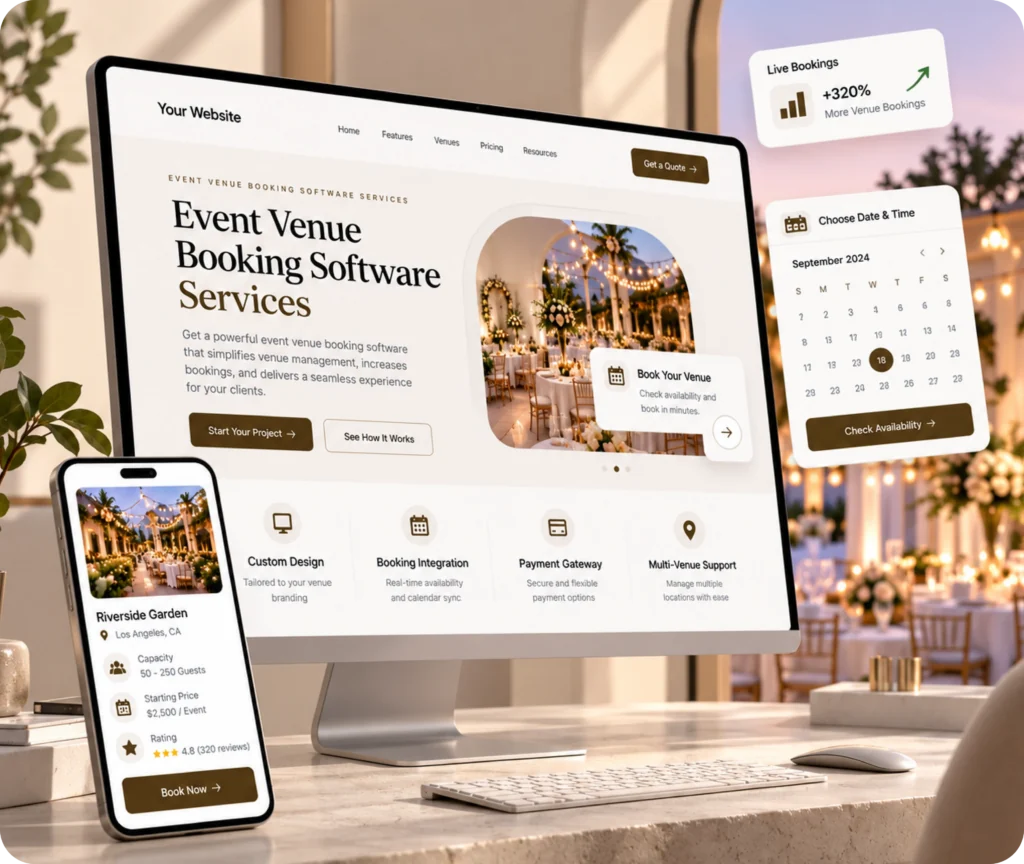
Event venue booking software gives venue operators a clearer way to manage availability, enquiries, reservations, and payments without relying on disconnected spreadsheets or conversations.
Accuracy
Speed
Convenience
Our Capabilities
- Availability Calendar
- Booking & Enquiry Flow
- Deposit & Payments
- Booking Rules
- Multi-Space Visibility
- Pipeline Reporting

Venue Booking
A Better Way to Manage Venue Reservations
Event venue booking software connects the core information involved in renting event spaces. It can bring availability, enquiries, reservations, deposits, and operational information into a more organized booking experience.
01
What Does the Service Include?
A venue booking solution can center on an availability calendar, booking or enquiry flow, reservation information, and payment handling. Depending on the required scope, venue operators may also need booking rules, reporting, or visibility across multiple spaces.
02
Why Does It Matter?
Venue availability is a core business asset. When dates are tracked across spreadsheets, emails, or messaging apps, teams can lose enquiries, create conflicting reservations, or spend too much time checking dates and payment status.
03
How Does It Solve the Problem?
An event venue booking system creates a shared operational view of reservations and availability. A customer-facing flow can make enquiries or bookings easier to manage, while the venue team gets clearer information for follow-up and planning.
04
Who Is It For?
The service is relevant to banquet halls, wedding venues, conference and meeting spaces, party halls, farmhouses, outdoor venues, hotels, restaurants with event rooms, and operators managing several rentable spaces.
Our Approach
Because a Qrolic-specific software workflow was not supplied, this page does not claim discovery, scoping, development, testing, launch, or support as verified Qrolic stages. The service should instead be understood around the venue’s actual booking requirements and operating model.
Benefits
Make Venue Booking Easier to Manage
A clearer booking system can reduce manual coordination and give venue teams better visibility. It can also create a simpler experience for customers.

Fewer Booking Conflicts
A shared availability view can help teams identify booked and open dates more clearly.

Faster Enquiry Handling
A structured enquiry flow can reduce scattered follow-ups across email, spreadsheets, and messaging channels.

Easier Customer Booking
Event venue online booking can give customers a clearer path from availability to enquiry or reservation.

Cleaner Payment Tracking
Online deposit and payment collection can reduce manual payment follow-up and tracking.

Better Space Visibility
A venue booking calendar can help teams manage availability across multiple rentable spaces.

More Useful Planning
Booking and enquiry information can provide clearer visibility into the venue’s active pipeline.
Turn Venue Enquiries Into Clearer Bookings
Free UX Audit
Bring availability, enquiries, reservations, and payment needs into a more organized booking experience.

Booking Flow
How Venue Booking Can Work
The exact Qrolic delivery workflow is not supplied. The steps below describe the industry booking flow the software is intended to support.
01
Check Availability
02
Submit Enquiry
03
Review Requirements
04
Confirm Booking
05
Collect Deposit
06
Track Reservation
07
Review Pipeline
Step 01
Check Availability
The venue team or customer identifies available dates and spaces. This creates a clearer starting point for the booking conversation.
Step 02
Submit Enquiry
A customer provides the relevant booking details. The venue can then review the request against available space and dates.
Step 03
Review Requirements
The booking request can be assessed against venue requirements, timing, and availability. This helps reduce unnecessary back-and-forth.
Step 04
Confirm Booking
Once the reservation details are agreed, the booking can move toward confirmation. The venue has a clearer record of the selected date and space.
Step 05
Collect Deposit
Where payment collection is included in the selected solution, deposits can form part of the booking flow. This can make payment tracking more organized.
Step 06
Track Reservation
Booking information remains available for operational reference. Teams can use the system to understand upcoming reservations and active enquiries.
Step 07
Review Pipeline
Booking and enquiry information can support reporting and planning. This gives venue operators a clearer view of their reservation activity.
Comparison
Choose Booking Software Built Around Venue Needs
Generic tools may cover basic calendar or booking functions without reflecting how event spaces are rented. A venue-focused approach starts with availability, enquiries, reservations, and payments.
Without Qrolic
Without Qrolic :
- Separate availability records
- Manual date checking
- Scattered enquiry follow-ups
- Manual payment tracking
- Limited space visibility
- Spreadsheet-based booking records
- Disconnected operational information
With Qrolic
With Qrolic :
- Centralized availability information
- Clearer booking visibility
- Structured enquiry handling
- Organized deposit tracking
- Multi-space visibility needs
- Centralized reservation records
- Connected booking information
Case Studies
Real Venue Projects Require Real Evidence
No verified Qrolic case studies, client results, testimonials, or booking software performance metrics were supplied in the approved research brief. No fictional examples or unsupported results are included here.
Building the First TailoredPay Payment Gateway Plugin for WordPress & Gravity Forms
Overview TailoredPay had no existing WordPress integration available — not…

Uketa Support – Multi-Language Immigration Platform with Secure Cross-Site Payments
Overview Uketa Support is a multi-language immigration assistance platform built…

My Passport Center – Immigration Platform with Secure Payment Infrastructure
Overview My Passport Center is a high-volume immigration services platform…

Martens – Employment Hero API Integration for WordPress
Overview Martens required a custom careers platform capable of pulling…

First Pass Airport Services – Google Maps Distance Pricing Integration
Overview First Pass Airport Services operates a luxury chauffeur service…

Drip Hydration UK Case Study – HIPAA-Aligned LatePoint Data Encryption
Overview Drip Hydration UK operates a healthcare-focused appointment booking platform…

Custom Brevo API Integration for WordPress — Transactional Emails & Workflow Automation
Overview The client’s immigration platforms relied on WordPress wp_mail for…

Automated WordPress File Migration to S3-Compatible Cloud Storage
Overview The client’s immigration platform was generating hundreds of PDFs…

Azure OCR Integration for WordPress – Custom Document Scanning & Auto-Fill Plugin
Overview The client’s immigration platforms required users to manually enter…

Building a Frontend Application Management Dashboard for WordPress
Overview Managing hundreds of applications directly from the WordPress admin…
Why Choose Qrolic
Focus the Software on Venue Booking Needs
Event venues have unique requirements. We focus on your specific availability rules, rentable spaces, and payment workflows to build a tailored solution.
0+
Years of WordPress
Delivering top-tier digital services across design, development, and performance.
0+
Happy Clients
Serving global brands with a 95%+ satisfaction rate across industries.

0%
Client satisfaction
We’re committed to delivering solutions that truly make an impact.
0+
Team members
A strong team of experts in WordPress, web technologies, and UI/UX.
Start the Conversation
Discuss Your Venue Booking Requirements
Your venue may need a clearer way to manage dates, enquiries, reservations, or payments. Share your requirements to explore the right booking software direction.
Curious About the Cost? Free
Our website cost calculator is built using real
project data – no guesswork, just honest pricing.
 Message on WhatsApp
Curious About the Cost? Free
Just drop your requirements on WhatsApp, and we’ll send you an instant estimate—no forms, no waiting.
Frequently Asked Questions
Venue Booking Software FAQs
These answers address common questions venue operators have when evaluating booking software for event spaces.
What is event venue booking software?
Event venue booking software is a system for managing venue availability, enquiries, reservations, and payment information. It can replace disconnected calendars and spreadsheets with a more centralized booking experience.
Can customers book an event venue online?
Yes, event venue online booking can provide customers with a digital path to check availability, submit an enquiry, or move toward a reservation. The exact customer-facing functionality depends on the selected software scope.
How does an event venue booking system prevent double-booking?
A venue availability calendar can give the team one clearer view of booked and available dates or spaces. This supports double-booking prevention by reducing reliance on separate calendars and manual date checks.
Can venue booking software handle deposits and payments?
Payment collection can be part of an event venue booking platform. Depending on the required solution, deposits and payment information can be incorporated into the booking flow instead of being tracked separately.
Can it manage multiple venues or spaces?
Multi-space and multi-venue booking are common industry use cases. A suitable system can be structured around the need to understand availability across rooms, event spaces, or locations, subject to the confirmed solution scope.
How is custom venue booking software different from off-the-shelf tools?
Off-the-shelf software typically provides a predefined set of booking functions. Custom venue booking software can instead be considered around the venue’s specific booking model, operational requirements, integrations, ownership needs, and desired customer experience.